Guide
Best Controllers for Magic Core
How to choose the best controller for Magic Core on Android, covering Bluetooth pads, telescopic phone controllers, wired options, and setup tips.
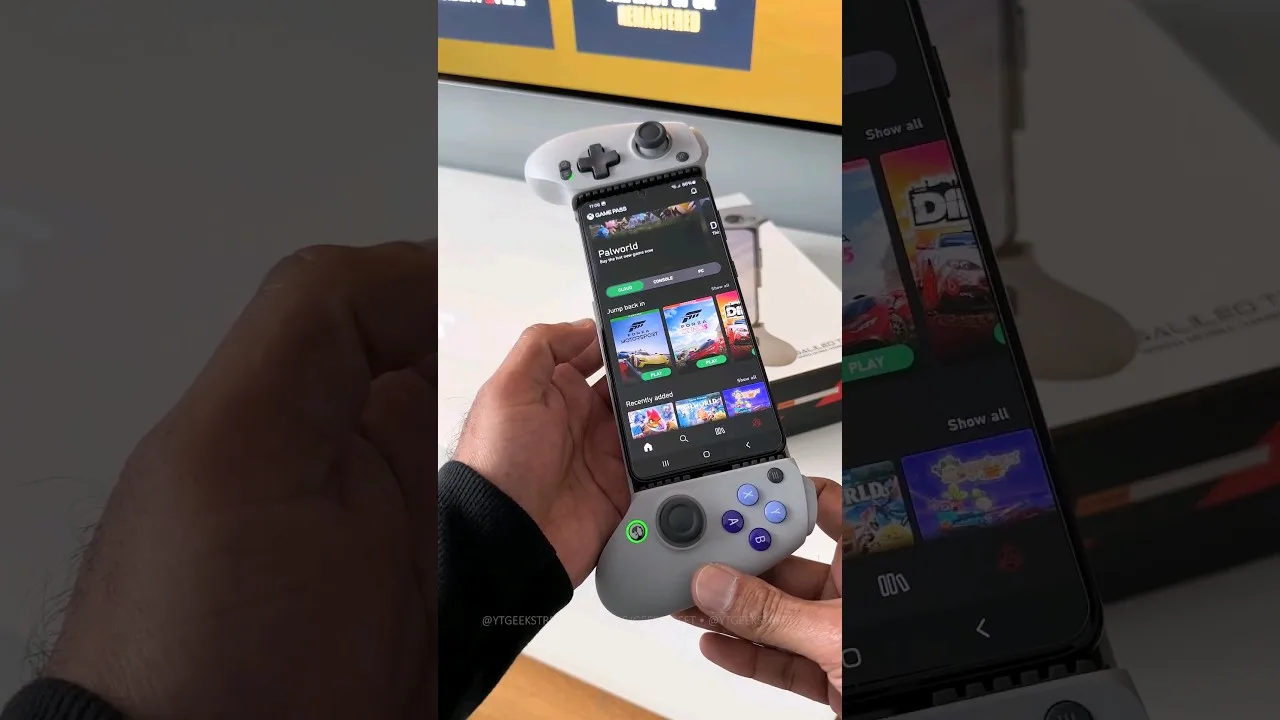

How to choose the best controller for Magic Core on Android, covering Bluetooth pads, telescopic phone controllers, wired options, and setup tips.
A controller changes cloud gaming more than almost any other accessory, because the games streamed through Magic Core app were mostly designed for sticks, triggers, and buttons rather than touchscreens. The best controller for you depends on where you play, what you already own, and how much you value portability against comfort.
This guide does not push one brand. Instead it explains the main controller types, what each does well, what to check before buying, and how to set a pad up properly with Android so inputs feel tight and reliable during a streamed session.
Telescopic controllers stretch apart and grip the phone in the middle, turning it into something that feels like a handheld console. They are the most natural option for playing away from a desk or sofa, because the screen and controls move as one unit and there is nothing extra to prop up or balance.
Check the connector and the fit before buying. Models that plug directly into the phone's charging port usually feel more responsive than Bluetooth-only designs and do not need their own charging, while flexible Bluetooth models fit more phone sizes and cases. Make sure the grip clears your camera bump and that the sticks feel like real sticks, not loose discs.
A full-size console-style gamepad is the most comfortable choice for long sessions and for playing on a TV or a propped-up phone. If you already own a modern console controller, try it first: Android pairs with most recent Bluetooth gamepads, and you may find the controller you need is already in a drawer at home.
Full-size pads offer better triggers, larger sticks, and longer battery life than compact designs. Their weakness is portability and the need for a stand or clip for the phone. A simple phone clip that mounts above the pad keeps the weight balanced and the screen at a natural angle, and it costs very little compared with the controller itself. Our Magic Core Cloud device compatibility guide covers which devices pair most smoothly.
Players who are sensitive to input delay often prefer a wired connection. A cable removes the wireless hop entirely, and on a streamed game, where the network already adds some delay, trimming every local millisecond helps the whole session feel more direct and honest.
The trade-offs are convenience and phone charging: a wired pad occupies the port you would use for power, unless you use a hub or a controller with pass-through charging. For desk and sofa play, wired is a strong default. For travel and casual play, the freedom of wireless usually outweighs a difference many players cannot feel.
Confirm Android support in the product details, not just a general mobile claim. Look for a standard layout with two sticks, a proper directional pad, and analogue triggers if you play racing or shooting games. Battery claims, stick quality, and return policies matter more than lights and extra buttons you will rarely press.
Avoid the very cheapest unbranded pads if you can. Sticky buttons, drifting sticks, and controllers that disconnect mid-game are common at the bottom of the market, and in a cloud session a dropped connection feels exactly like sudden lag. A modest pad from a known maker usually serves for years, which makes it cheaper in the end. The app itself is free to start with from the Magic Core download page, so a sensible controller is often the only real purchase in the whole setup.
Pair the controller in Android's Bluetooth settings first, then open the app and start a familiar game. Test every button, both sticks, and the triggers in menus before playing seriously, and check the in-game control settings in case the layout needs switching. If the app offers a controller test or remapping screen, spend two minutes there rather than discovering a swapped button mid-race.
If inputs feel delayed, test with the controller closer to the phone and with other Bluetooth devices, like wireless earbuds, disconnected to rule out interference. Our Magic Core Cloud features guide explains the app's main sections, which helps you reach settings and game options faster once your pad is working the way it should.
Do not forget the small accessories that complete a controller setup. A short stand or clip keeps the phone steady at a natural angle, a modest case with a grip helps during handheld play, and keeping a charging cable near your usual seat means a flat controller battery never ends a session early. If two people in the house play, a second pad charged and ready removes the quiet friction of taking turns with one controller and arguing over whose save it holds. None of these extras is expensive or glamorous, but together they decide whether using a controller feels effortless or fiddly. Effortless wins over weeks and months, because the setup you barely notice is the one you keep reaching for every evening.
The best controller is the one that matches how you actually play: telescopic for a true handheld feel anywhere, full-size for comfort at home, and wired when the lowest possible delay matters most to you. Any of them is a large step up from touch controls for streamed games.
Start with what you already own, buy modestly if you need to buy, and set the pad up carefully before judging it. Once the controls disappear from your attention and you are simply playing, you have the right controller, and every game in your library will feel like it was made for your phone.

Lead APK Reviewer
Ryan O'Connell is the Lead APK Reviewer at magiccorecloud.com. He installs and tests every Magic Core Cloud build on real Android phones — checking the install flow, permissions, sign-in and cloud play performance — before any download button goes live on this site.
Continue with related articles that expand on features, compatibility, and troubleshooting.
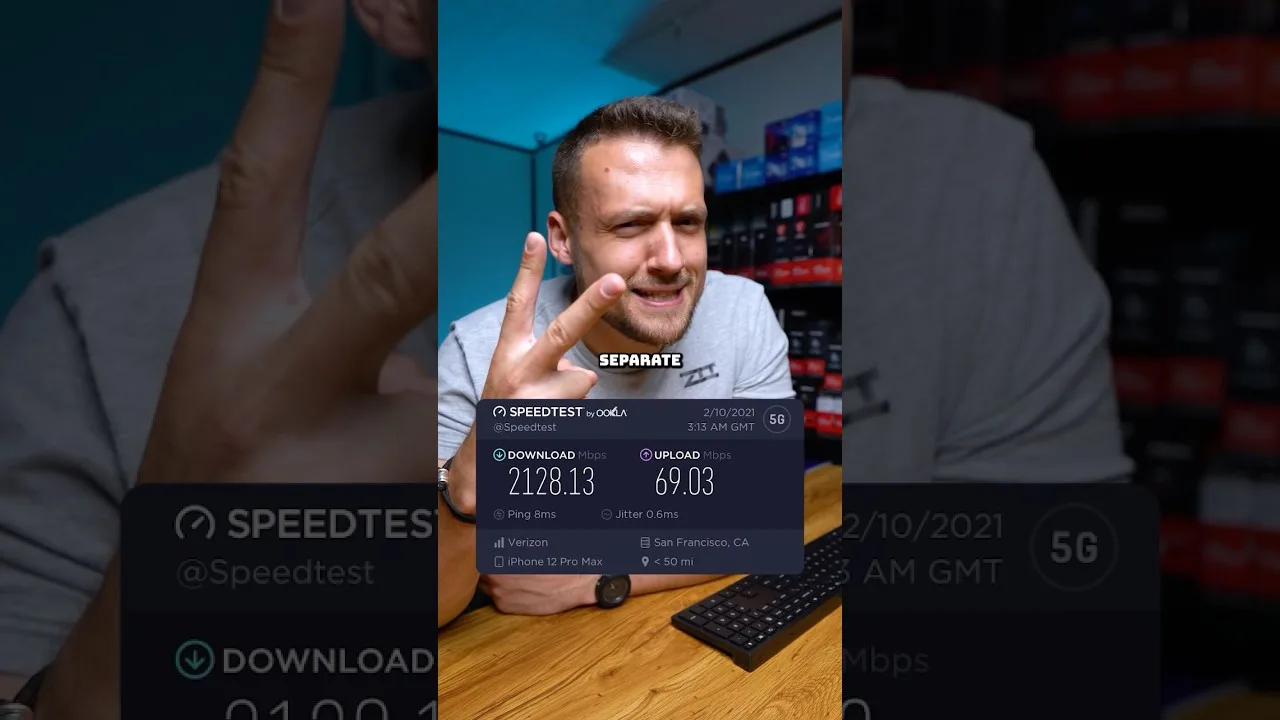
A clear guide to the download speed, ping, and connection stability Magic Core needs for smooth cloud gaming sessions on Android.
Step-by-step ways to cut input lag and stutter on Magic Core, covering Wi-Fi, router settings, background traffic, and in-app choices.
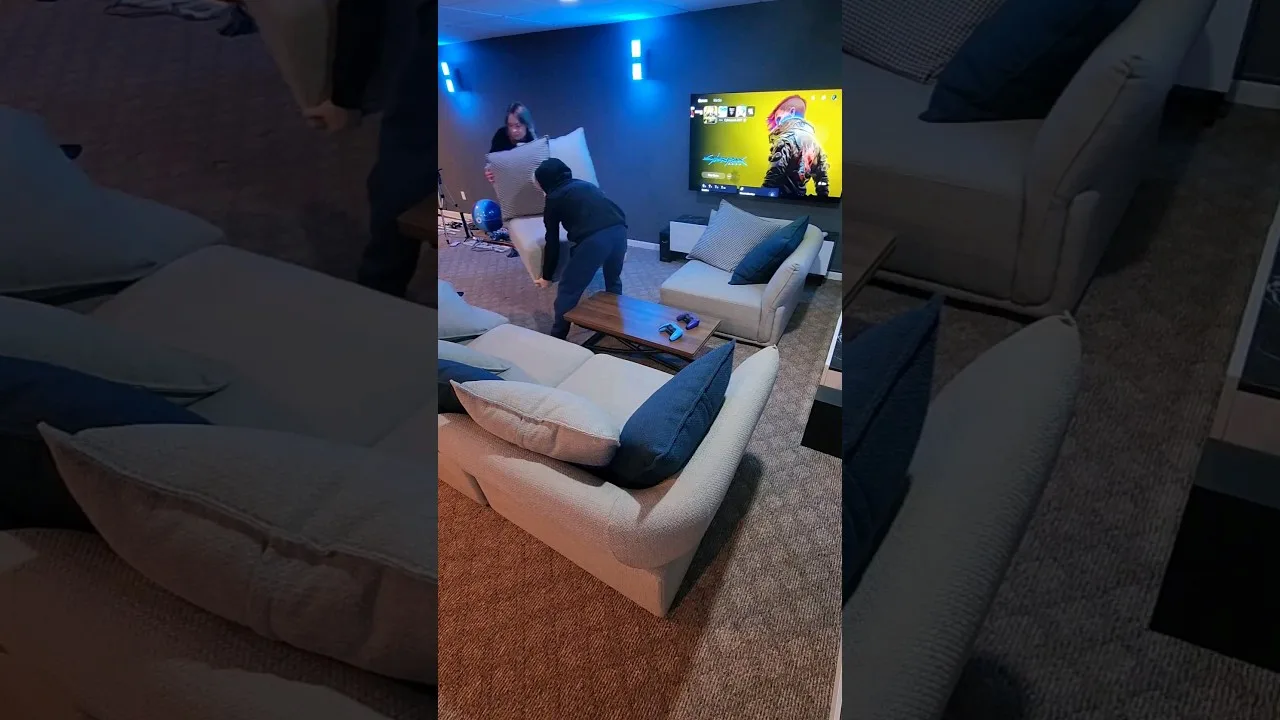
How to get Magic Core running on a TV with Android TV, casting, or a cable, and how to set up controls and Wi-Fi for the big screen.
Share this page