Guide
Magic Core Internet Speed Requirements for Cloud Gaming
Learn the internet speed Magic Core needs for smooth cloud gaming, from minimum download rates to the ping and stability that matter most.

Learn the internet speed Magic Core needs for smooth cloud gaming, from minimum download rates to the ping and stability that matter most.
Cloud gaming moves the hard work off your phone: the game runs on a remote computer, and your screen shows a live video stream of it while your taps and controller inputs travel back. That is why the internet speed requirements for Magic Core are less about raw download numbers alone and more about a steady, low-delay connection that never drops mid-session.
Many players ask for a single magic number, but a cloud session feels smooth or rough based on three things working together: download speed, ping, and stability. This guide explains what each one means in plain terms, what ranges work well, and how to test your own connection before you blame the game or the app for a rough session.
For a standard high-definition stream, a steady download speed of around 15 to 25 megabits per second is a comfortable starting point for most players. A slower connection can still start a session, especially at lower picture settings, but busy scenes with fast movement will soften, pixelate, or stutter when the stream cannot keep up with what is happening on screen.
Higher is still useful headroom rather than a luxury. When other people in the home are streaming video, downloading files, or joining video calls, your game stream competes for the same bandwidth. A connection that tests at 50 megabits or more on paper gives the session room to breathe, so a family member starting a film in the next room does not ruin your race or boss fight.
Ping is the time your input takes to reach the server and come back as picture, measured in milliseconds. A fast download with a high ping still feels sluggish, because the game responds late to every press. For relaxed games, a ping under 60 milliseconds is workable, while action, racing, and fighting games feel far better under 40 milliseconds.
Distance is the biggest factor in ping. A server far from your city adds delay that no router setting can fully remove, which is why the same connection can feel great in one game service and heavy in another. Our guide to reducing lag on Magic Core walks through the parts you can control, from router placement to background traffic on your network.
A connection that swings between fast and slow is worse for cloud gaming than a slightly slower connection that stays steady. Jitter, which is the variation in ping from moment to moment, causes the uneven, rubber-banding feeling where a game seems fine for ten seconds and then lurches. Packet loss is even harsher, because missing pieces of the stream show up as frozen frames or sudden quality drops.
Wi-Fi interference is the most common cause of instability at home. Walls, distance from the router, neighbouring networks, and older routers all chip away at a clean signal. Sitting in the same room as the router, or on the same floor with a clear path, usually improves a session more than any speed upgrade your provider can sell you.
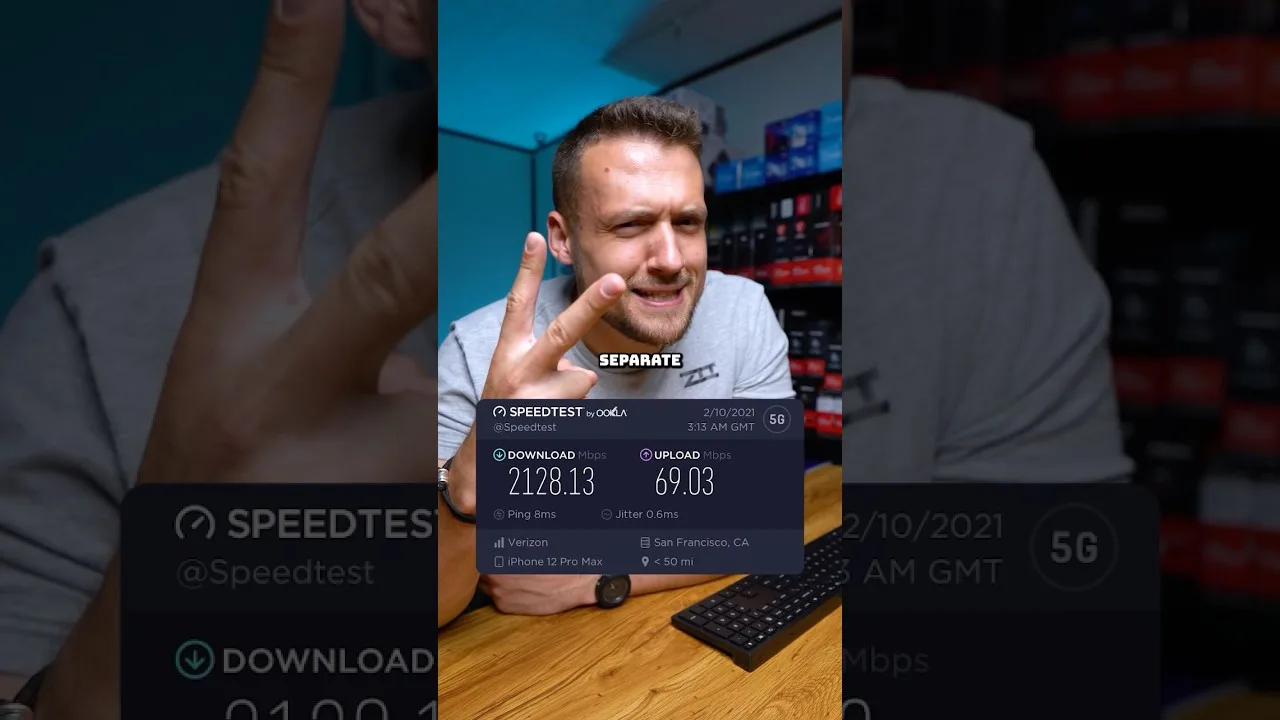
Run a speed test on the same phone, in the same room, and at the same time of day you normally play. A test taken next to the router at a quiet morning hour tells you very little about your evening session in the bedroom while the household is online. Note the download speed, the ping, and whether repeated tests give similar results or jump around.
Then test inside a real game for five minutes rather than trusting numbers alone. Walk, turn the camera quickly, and enter a busy area. If the picture stays clear and inputs feel direct, your connection is good enough regardless of what any chart says. If problems repeat, our Magic Core Cloud not working fixes article helps you separate app problems from network problems.
A wired connection to the device running your session is the most stable option where it is practical, but most Android players use Wi-Fi, and good Wi-Fi is genuinely fine. The 5 GHz band is usually the better choice for gaming because it is faster and less crowded, as long as you are close enough to the router for a strong signal.
Mobile data can work surprisingly well in areas with a strong, steady signal, especially on newer networks, but it is less predictable when you move around or the local mast is busy. It also uses a lot of data per hour, so treat it as a capable backup rather than the default for long daily sessions at home.
One last habit ties all of this together: test at the hour you actually play, not at the hour that flatters your connection. Home networks have rush hours just like roads, usually in the evening when work calls end, homework begins, and every screen in the house wakes up at once. A connection that sails through a morning test may strain at eight in the evening, and that evening figure is the honest one to plan around. Keep a simple note of your results across a week, in the same spot each time, and patterns will appear that no single test could show you. Once you know your network's real character at real hours, every other decision in this guide, from picture settings to which games you choose, becomes far easier to make well.
The short version: aim for a steady 15 to 25 megabits or more, a ping under 40 to 60 milliseconds, and above all a stable signal that does not swing around. If you are setting up for the first time, grab the app from the Magic Core download page and test your real playing spot before changing any plan or buying any equipment.
Most connection problems turn out to be placement, interference, or a busy household network rather than a slow package. Fix those first, test again in a real game, and you will know quickly whether your internet is truly the limit or whether your cloud sessions were only one small change away from feeling right.

Lead APK Reviewer
Ryan O'Connell is the Lead APK Reviewer at magiccorecloud.com. He installs and tests every Magic Core Cloud build on real Android phones — checking the install flow, permissions, sign-in and cloud play performance — before any download button goes live on this site.
Continue with related articles that expand on setup, features, and troubleshooting.
Step-by-step ways to cut input lag and stutter on Magic Core, covering Wi-Fi, router settings, background traffic, and in-app choices.
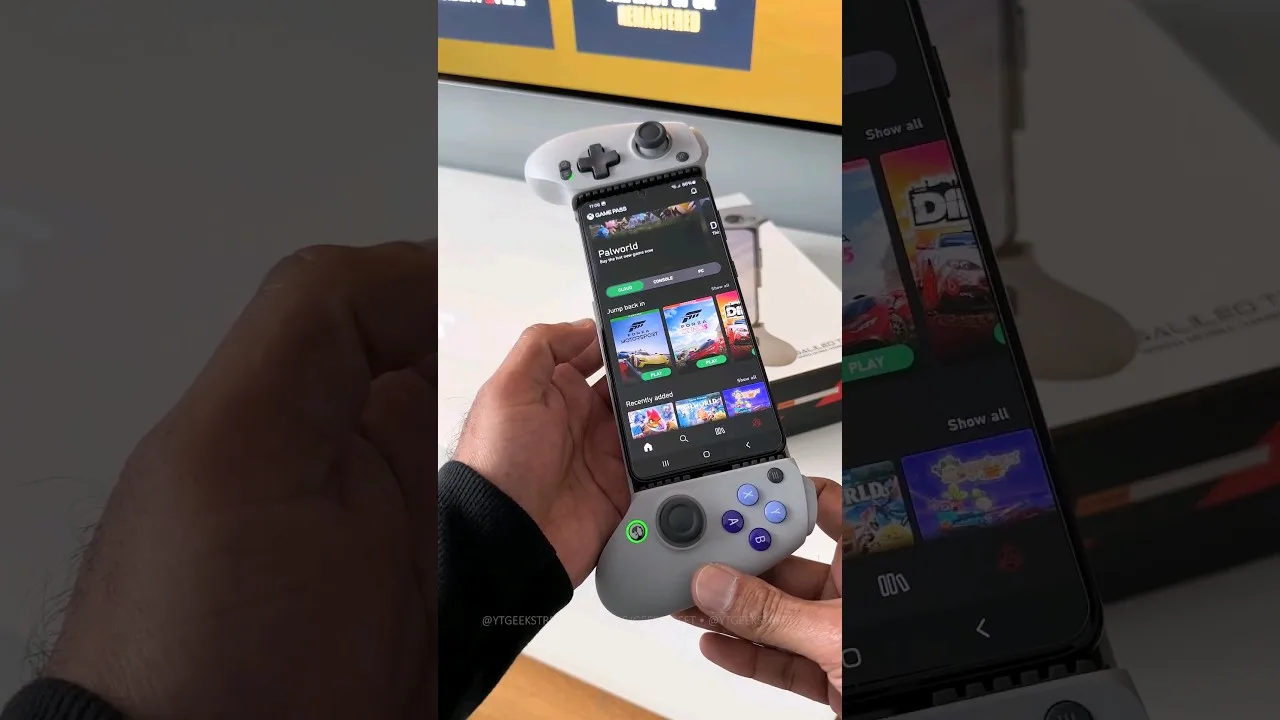
A practical guide to choosing and setting up a controller for Magic Core, from telescopic phone pads to standard Bluetooth gamepads.
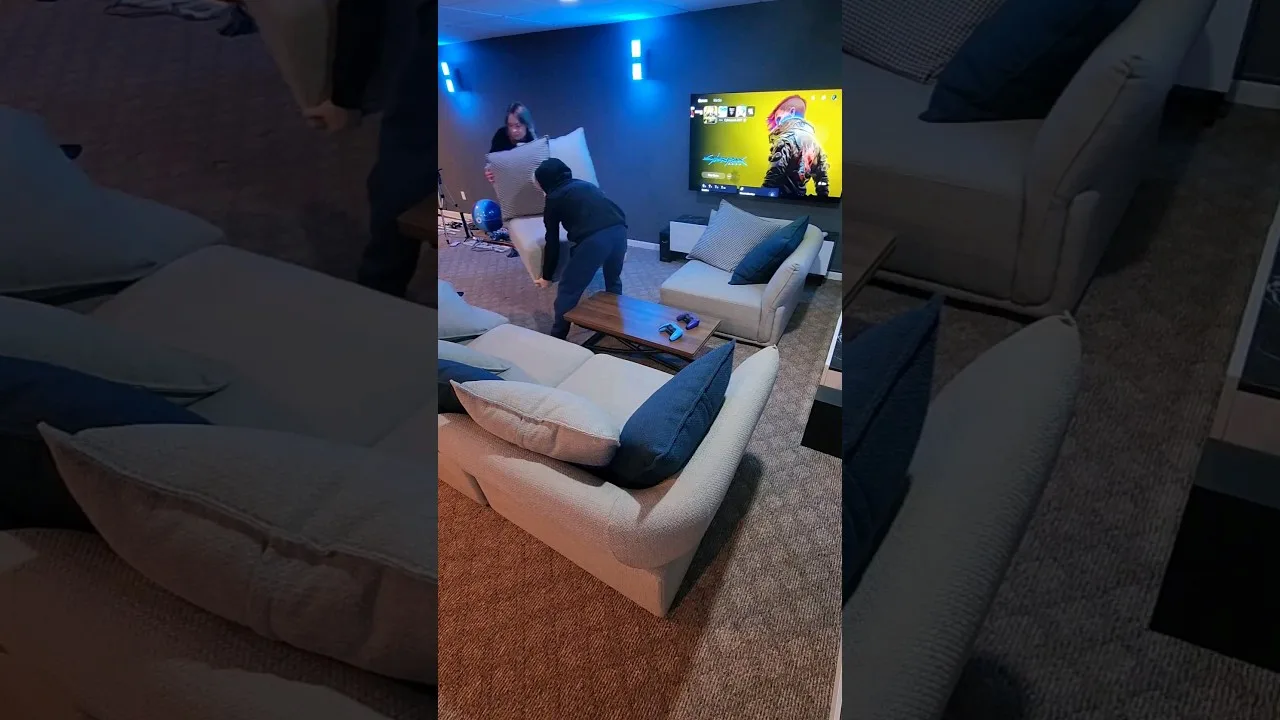
How to get Magic Core running on a TV with Android TV, casting, or a cable, and how to set up controls and Wi-Fi for the big screen.
Share this page