Guide
How to Reduce Lag on Magic Core
Practical ways to reduce lag on Magic Core, from Wi-Fi placement and router settings to in-app choices that make cloud sessions feel responsive.
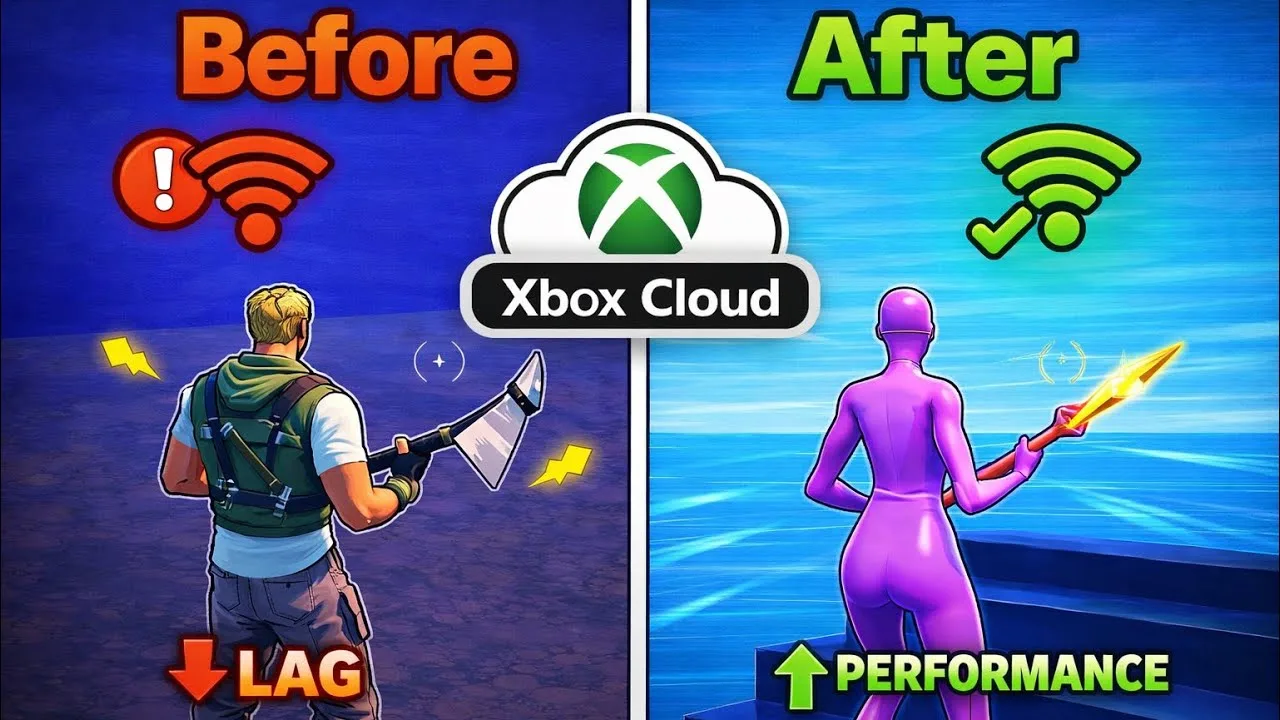

Practical ways to reduce lag on Magic Core, from Wi-Fi placement and router settings to in-app choices that make cloud sessions feel responsive.
Lag in cloud gaming is the delay between pressing a button and seeing the result on screen, and it comes from the whole chain between your fingers and the game server: your phone, your Wi-Fi, your router, your provider, and the distance to the server itself. Reducing lag on Magic Core APK means finding the weakest link in that chain rather than changing random settings.
The good news is that most lag is not caused by the game or by an expensive problem. It usually comes from a weak wireless signal, a busy home network, or a phone doing other work in the background. Work through this guide in order, test after each change, and stop when the game feels right instead of changing everything at once.
Signal strength is the single biggest lever for most players. Every wall between you and the router, and every extra metre of distance, adds delay and instability. Playing in the same room as the router, or one room away with the door open, often cuts lag more than any other change on this page, and it costs nothing to test for one evening.
If your router offers both bands, use the 5 GHz network for gaming while you are near the router, since it is faster and less crowded. Switch back to the longer-range band only if the 5 GHz signal is so weak in your playing spot that it keeps dropping. A strong, steady signal always beats a theoretically faster band that is barely reaching you.
Your session competes with everything else on the network. Cloud backups, app updates, other people's video streams, and large downloads can all spike your ping the moment they start. Before an important session, pause big downloads, close backup and sync apps on the phone itself, and, where you can, ask the household to keep heavy streaming for later.
On the phone, close apps you are not using and turn off automatic updates during play. Android working on a dozen background tasks adds its own small delays before your inputs even leave the device. Our Magic Core internet speed requirements guide explains the bandwidth side of this in more depth, including how much headroom a busy home really needs.
Restarting the router clears memory build-up and reconnects you cleanly, and it is worth doing before deeper troubleshooting. If your router has a quality-of-service setting, giving the gaming device priority helps the router favour your small, time-sensitive inputs over someone else's large download, which is exactly the trade a cloud session needs.
Placement matters as much as settings. A router on the floor behind furniture, or tucked inside a cabinet, spreads a weaker signal than the same router raised up in the open. Our best Wi-Fi settings for Magic Core guide covers channels, bands, and placement in detail if you want to go further than the basics here.
Inside the app and the game, choose the performance or balanced picture option if one is offered rather than the highest quality setting. A slightly softer picture at a lower stream rate often feels dramatically more responsive, because the stream needs less data per frame and your inputs are processed against fresher images.
A controller connected by cable, or a good Bluetooth controller held close to the phone, can also feel tighter than touch controls passed through extra layers. Keep the phone charged or plugged in during long sessions too: many phones reduce performance to save a low battery, and that slowdown shows up as input delay that looks like network lag.
Some lag is geography. If the nearest server is far from your city, every input makes a long round trip, and no local change removes that distance. In that case the realistic fixes are choosing less delay-sensitive games, playing at quieter times when routes are less busy, and keeping everything local in perfect shape so distance is the only remaining factor.
Test honestly before and after each change with the same game and the same busy scene. Feel is easy to fool, but a repeated test in the same spot tells you whether a change helped. Small improvements stack: a better signal, a quieter network, and a sensible picture setting together can turn a frustrating session into one that simply feels like playing at home.
It also helps to keep a tiny testing ritual so you stop guessing. Pick one game, one busy scene, and one minute of movement you can repeat, such as a lap of a familiar track or a run through the same crowded town. Run that minute before and after every change you make, and write down a simple score out of ten for how connected the controls felt. Two or three evenings of this turns lag from a vague frustration into a set of numbers you can act on, and it stops you keeping settings that merely sounded clever. Most players find one or two changes do almost all of the work; the ritual exists to tell you which ones they are for your home, your router, and your phone.
Reducing lag is a process of elimination, not a single switch. Fix the signal first, quiet the network second, tidy the phone third, and only then judge what is left, because what remains after those steps is usually distance, which no setting can change.
Work through one change at a time, keep the ones that clearly help, and undo any that do not. Within an evening, most players find their sessions noticeably sharper, and the same routine will serve you well on every cloud game you play afterwards, not just the one that frustrated you today.

Lead APK Reviewer
Ryan O'Connell is the Lead APK Reviewer at magiccorecloud.com. He installs and tests every Magic Core Cloud build on real Android phones — checking the install flow, permissions, sign-in and cloud play performance — before any download button goes live on this site.
Keep reading related guides for setup, compatibility, and smoother sessions.
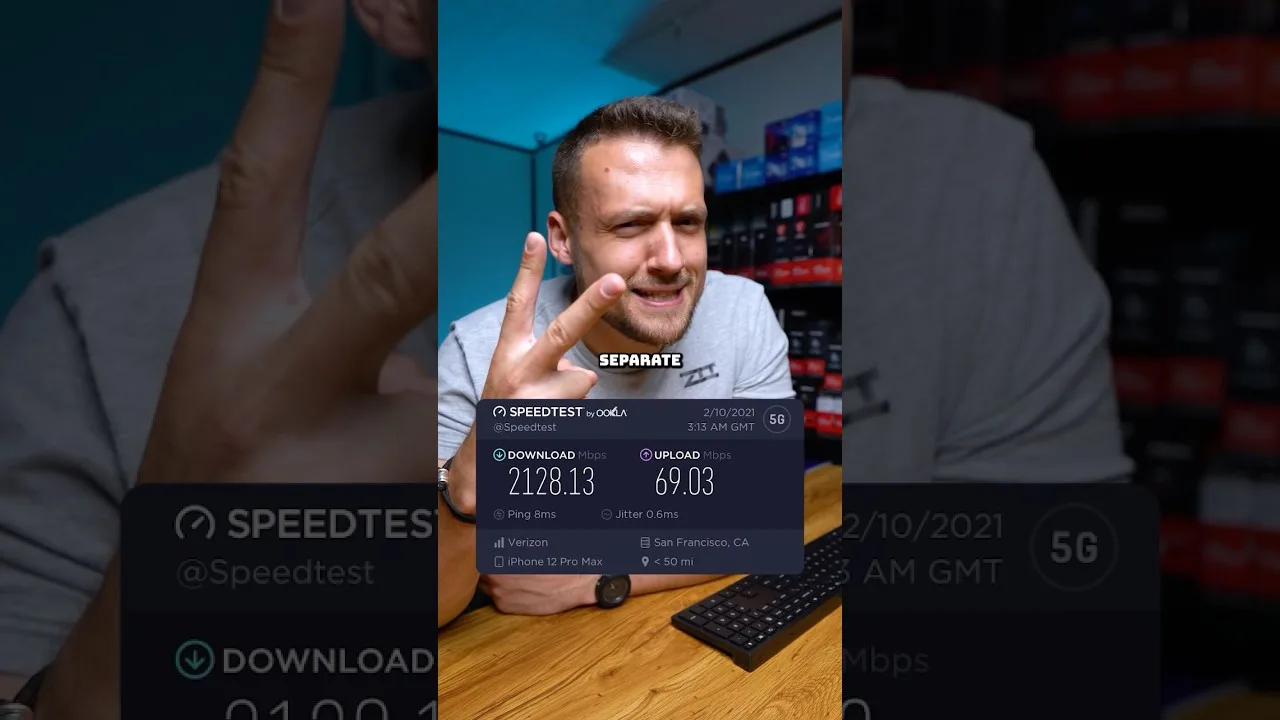
A clear guide to the download speed, ping, and connection stability Magic Core needs for smooth cloud gaming sessions on Android.
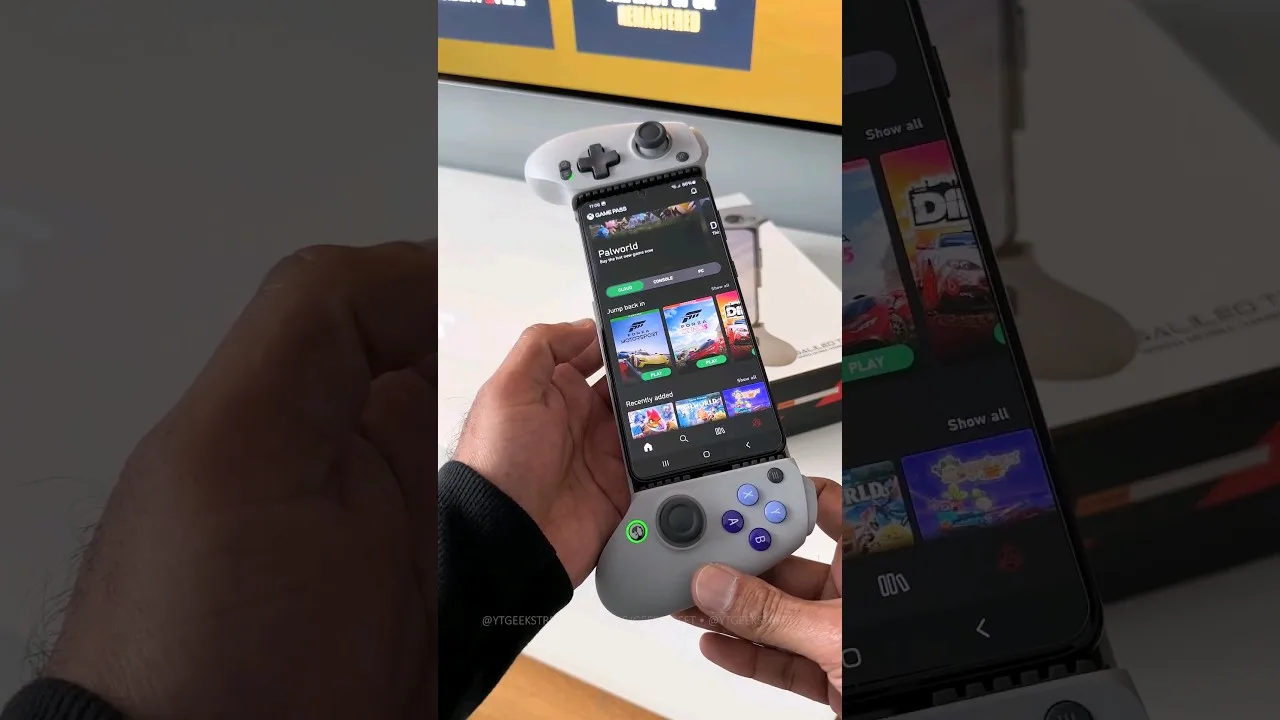
A practical guide to choosing and setting up a controller for Magic Core, from telescopic phone pads to standard Bluetooth gamepads.
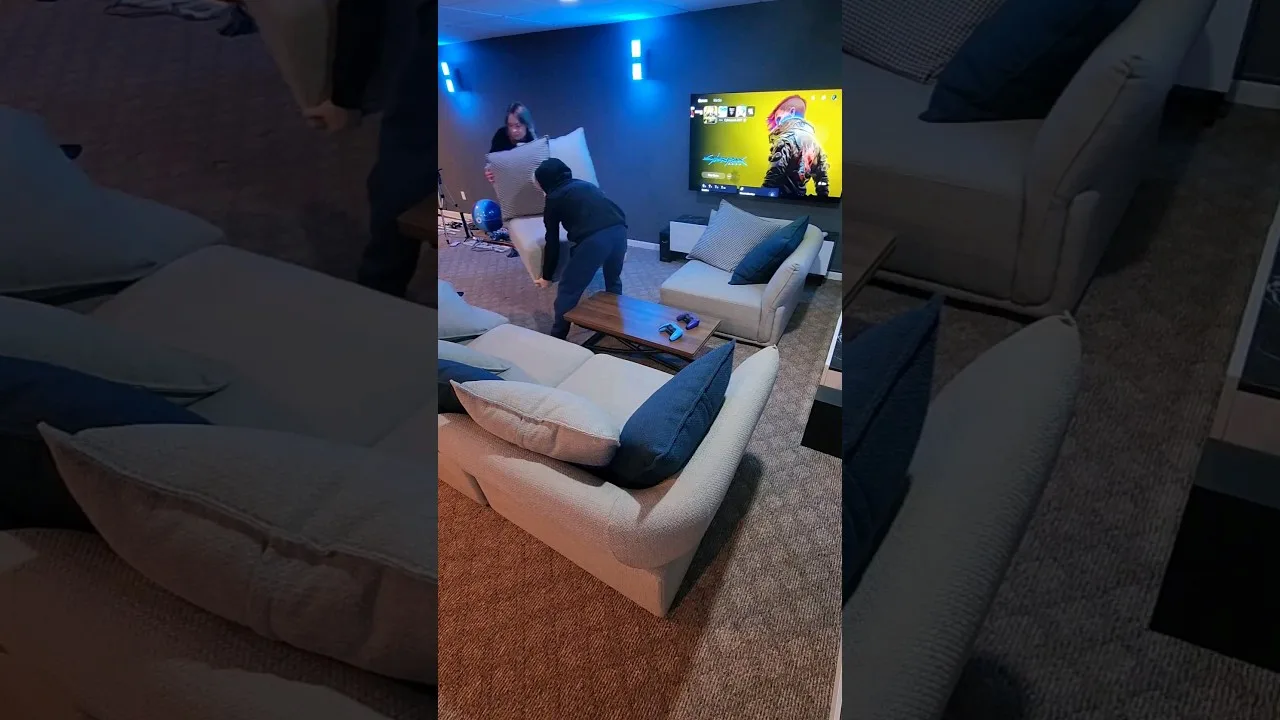
How to get Magic Core running on a TV with Android TV, casting, or a cable, and how to set up controls and Wi-Fi for the big screen.
Share this page