Guide
Best Games to Play on Magic Core
The best kinds of games to play on Magic Core, from racers and adventures to strategy and family titles, and how to pick games that stream well.


The best kinds of games to play on Magic Core, from racers and adventures to strategy and family titles, and how to pick games that stream well.
Not every game suits streaming equally. The best games to play on Magic Core are the ones where a fraction of a second of delay goes unnoticed, the picture stays clear in motion, and the controls translate well to a phone or a controller. Choosing with those ideas in mind is the difference between a library you love and a library that frustrates you.
This guide groups the strongest choices by type, explains how to judge any new title for streamed play in the first ten minutes, and finishes with tips for building a balanced rotation instead of relying on one demanding game.
Story-driven adventures and open-world games are natural cloud titles. They reward atmosphere, exploration, and decisions over split-second reactions, so the small delay of a stream rarely intrudes. They also show off the main benefit of cloud play: worlds far too large and detailed for your phone's storage and graphics hardware, running beautifully on its screen.
These games suit long, comfortable sessions at home on Wi-Fi, ideally on the biggest screen you have available. Save the demanding competitive titles for local hardware if you own it, and let the cloud carry the big single-player journeys that would otherwise need a console or a gaming PC you may not have.
Racing and sports games can stream very well on a good connection, and they are a useful honest test of your setup. Time trials, career modes, and matches against computer opponents forgive small delays, while top-level online competition exposes every millisecond. Play these on your strongest connection, with a proper controller, and judge them by feel over a few sessions.
Fighting games sit at the demanding end. Casual play with friends and story modes are enjoyable, but players who count frames will notice the stream. That is not a flaw in your setup; it is physics. Our Magic Core Cloud main sections guide will help you find where different game types live inside the app so you can browse by the style that suits your connection.
If your connection is modest or your ping is high because of distance, strategy, puzzle, and turn-based games are your best friends. They are completely indifferent to delay, they stream at lower data rates because the picture changes gently, and they pause politely when real life interrupts, which streamed sessions on a phone often do.
These are also the best genres for playing on mobile data or a busy household network, and for shorter sessions in odd moments. Many players build their whole cloud habit around a deep strategy title and a couple of puzzle games, then add faster games only when they are on their best connection at home.
Shared-screen and family games work brilliantly through a TV setup, because the cloud supplies the game while your living room supplies the players. Look for titles with simple controls, short rounds, and modes where several people can join in or take turns, and keep a second controller charged so nobody waits.
For households, check age ratings and content settings before a session rather than during one. Our family guidance sits alongside this guide, and setting expectations early keeps the evening relaxed. The app itself is quick to get from the Magic Core download page, so the real preparation for family play is choosing the right games, not installing anything heavy.
Start any new title with a deliberate test. Move the camera quickly, play one busy scene, and try the most timing-sensitive action the game offers. If inputs feel connected and the picture holds together in motion, the game suits your setup. If it feels swimmy, no amount of loyalty to the title will fix that mismatch.
Also notice the reading load. Games with tiny text designed for a television can strain on a phone screen, while games with clean interfaces travel well. Our Magic Core Cloud features guide explains the app's discovery and browsing tools, which make it easy to sample widely and keep only the games that pass your own ten-minute test.
Revisit your choices every few months, because both you and your setup change. A game that felt heavy on an old router may feel wonderful after a network improvement, and a title you bounced off in a busy launch week may deserve a fresh ten-minute test in a quieter season. Keep a small wish list inside the app as you browse, so good candidates are waiting whenever a current favourite ends. Players who treat their library as a living thing, pruned and refreshed rather than fixed, get far more from a large streamed catalogue than players who pick three games once and never explore again. The catalogue rewards curiosity, as long as each curiosity passes your own honest test.
Build your library around your connection, not against it: adventures and strategy anywhere, racers and sports on your best Wi-Fi, and competitive twitch games only where the delay honestly allows. That simple matching is what experienced cloud players do, and it is why their sessions feel consistently good.
Sample generously, keep ruthlessly, and revisit favourites when your connection improves. The catalogue is not going anywhere, and a game that does not suit your network today may be the first one you return to after a router upgrade or a move to a faster connection.

Lead APK Reviewer
Ryan O'Connell is the Lead APK Reviewer at magiccorecloud.com. He installs and tests every Magic Core Cloud build on real Android phones — checking the install flow, permissions, sign-in and cloud play performance — before any download button goes live on this site.
Continue with related articles that expand on features, compatibility, and troubleshooting.
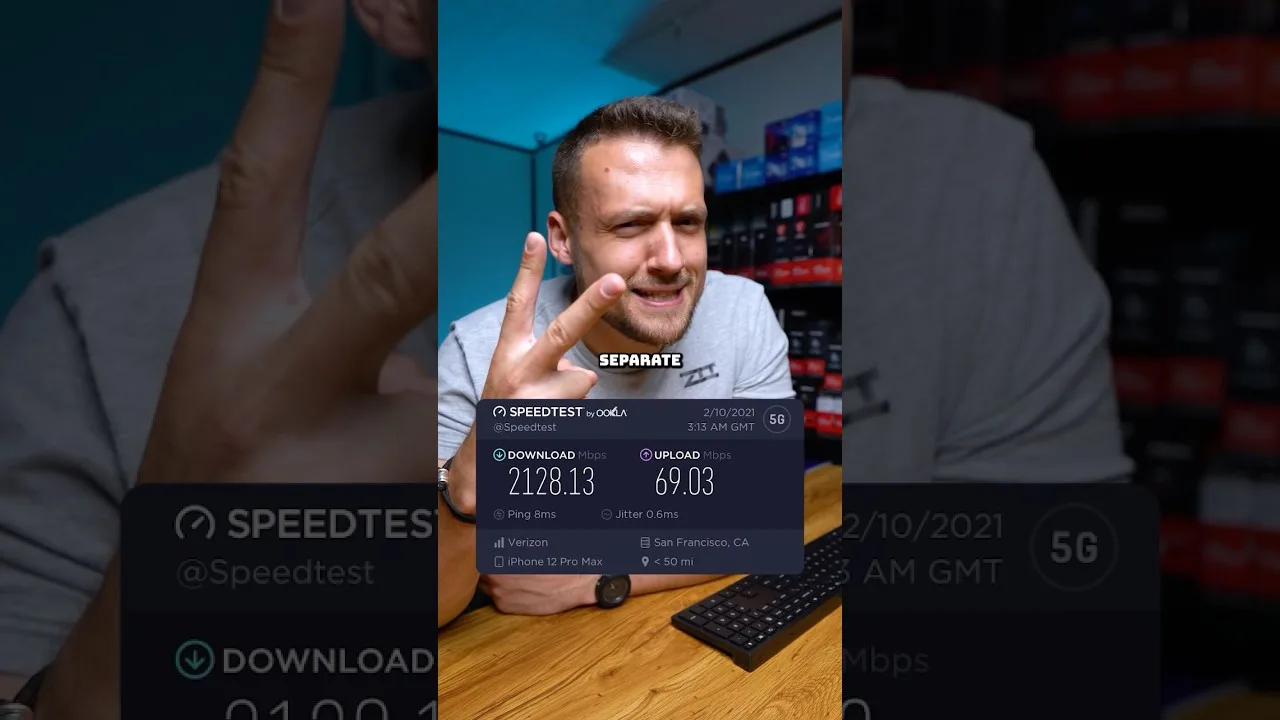
A clear guide to the download speed, ping, and connection stability Magic Core needs for smooth cloud gaming sessions on Android.
Step-by-step ways to cut input lag and stutter on Magic Core, covering Wi-Fi, router settings, background traffic, and in-app choices.
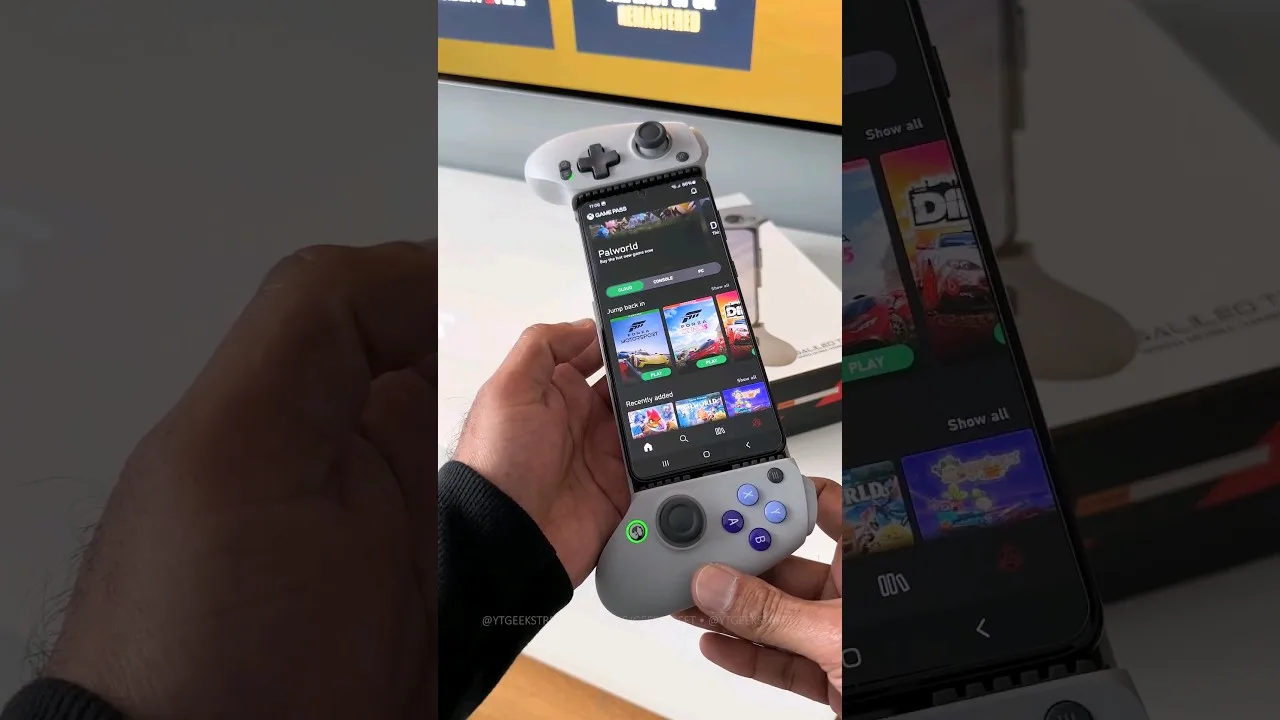
A practical guide to choosing and setting up a controller for Magic Core, from telescopic phone pads to standard Bluetooth gamepads.
Share this page