Guide
Magic Core Account and Login Help
Help with Magic Core accounts and login problems, from creating an account and resetting a password to fixing sign-in loops and keeping access secure.
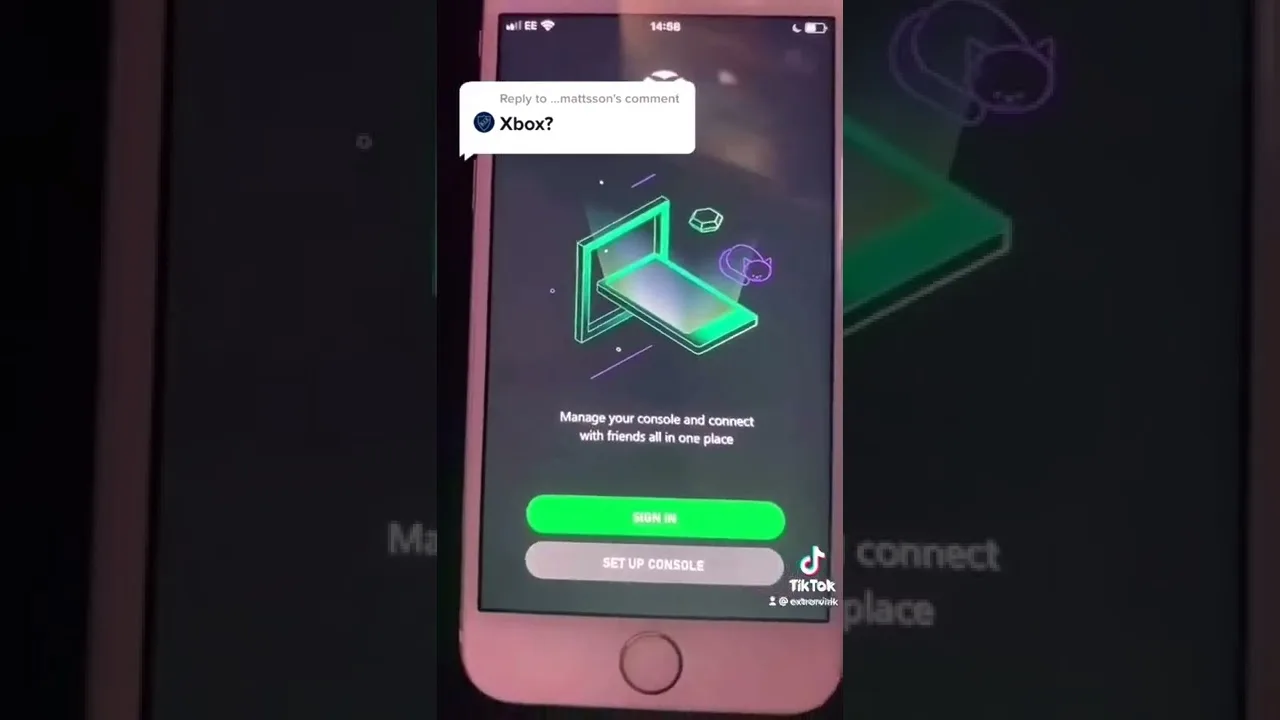

Help with Magic Core accounts and login problems, from creating an account and resetting a password to fixing sign-in loops and keeping access secure.
Your account is the thread that ties your games, settings, and progress together across sessions and devices, so being locked out feels worse than almost any other problem. This guide collects account and login help for Magic Core for Android in one place: setting an account up cleanly, recovering access when a password is forgotten, and fixing the sign-in problems players hit most often.
Most login trouble has ordinary causes, like a mistyped password, an out-of-date app, or a confused session that needs clearing. Work through the sections in order and you will solve the large majority of cases without waiting on anyone else.
Create your account with an email address you actually control and will keep. That address is your recovery route later, so a throwaway inbox or a mistyped address turns a simple password reset into a long problem. Choose a password you do not reuse on other services, because your gaming account holds your library habits and personal details like any other account.
If you are starting completely fresh, install the app from the Magic Core download page first, then create the account inside the app and confirm any verification message promptly while the details are in front of you. Write nothing down on paper you might lose; a password manager on the phone is a far better home for the one password you must not forget or reuse.
Use the forgotten-password option on the sign-in screen and follow the reset message sent to your account email. Check the spam and promotions folders before requesting a second message, because repeated requests can stack up confusing older links, and only the newest one usually works. Open the reset link on the same device where you play, if you can, to keep the process simple.
After resetting, sign in once on your main phone and let the app settle before signing in elsewhere. If the reset message never arrives after a patient wait and a folder check, confirm you are entering the exact email used at sign-up; a surprising number of recovery failures are simply a different address than the player remembers using.
A sign-in that returns you to the login screen, or fails with a vague error, is often a stale session rather than a wrong password. Restart the app fully, restart the phone if the problem survives, and check your connection, because a half-loaded sign-in on a weak network can loop without ever explaining itself. Our Magic Core Cloud not working fixes article covers the wider version of this clean-up routine.
Clearing the app's cache from Android settings is the next step and does not remove your account or progress, which live with the account rather than in the cache. Avoid repeatedly hammering the sign-in button during an outage-like failure; a short wait and one clean attempt tells you more than twenty frustrated ones.
On a new phone or a TV device, install the app, then sign in with the same email and password rather than creating a fresh account, or your library view and progress will appear empty and it will look as though everything was lost. Our Magic Core Cloud installation guide walks through first setup on a new device if you want the full sequence in one place.
Expect the first sign-in on a new device to occasionally ask for extra confirmation, especially after a password change. That friction is the system protecting you, not failing you. Once the new device is trusted and signed in, sessions should start normally, and your account becomes the portable part of your gaming life while devices come and go around it.
Use a unique password, keep your recovery email secure with its own strong password, and sign out of shared or borrowed devices when you finish playing. Never share your password with anyone offering free items, faster access, or account boosts; no genuine service needs your password spoken or typed anywhere except its own sign-in screen.
Review where you are signed in from time to time, and change your password promptly if a device is lost. These are small habits, but an account that follows you across phones, screens, and years of progress is worth the same care you give your email, because in practice it has become one of your important accounts.
A short routine once or twice a year keeps all of this painless. Confirm your recovery email still belongs to you and opens properly, make sure you can still receive reset messages, update your password if it has been reused anywhere else, and sign in fresh on the device you use most so the session stays healthy. Families should repeat the same check for a child's account with the parent present, updating contact details as children change devices and addresses. These five quiet minutes are the entire secret behind accounts that never produce a crisis. Every dramatic lockout story begins with a recovery route that quietly stopped working months earlier, and every uneventful account begins with someone who checked.
Nearly every login problem resolves with one of a few moves: the right email, a clean password reset, a restarted app, or a cleared cache. Keep calm, change one thing at a time, and note what worked, because account problems love to return on the day you are in a hurry to play.
Set the account up well once, with a real email and a unique password, and most of this guide becomes something you read for other people. Your games and progress will simply be there, on whichever screen you pick up, which is exactly how an account is supposed to feel.

Lead APK Reviewer
Ryan O'Connell is the Lead APK Reviewer at magiccorecloud.com. He installs and tests every Magic Core Cloud build on real Android phones — checking the install flow, permissions, sign-in and cloud play performance — before any download button goes live on this site.
Continue with related articles that expand on features, compatibility, and troubleshooting.
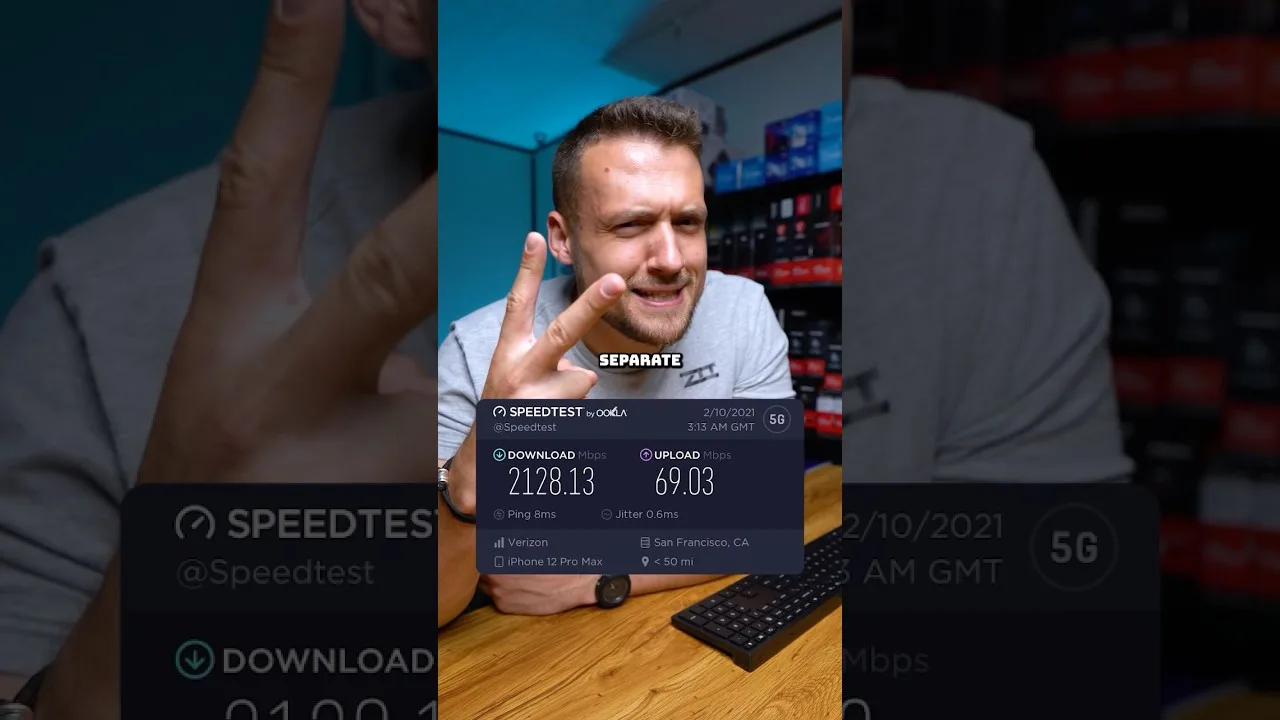
A clear guide to the download speed, ping, and connection stability Magic Core needs for smooth cloud gaming sessions on Android.
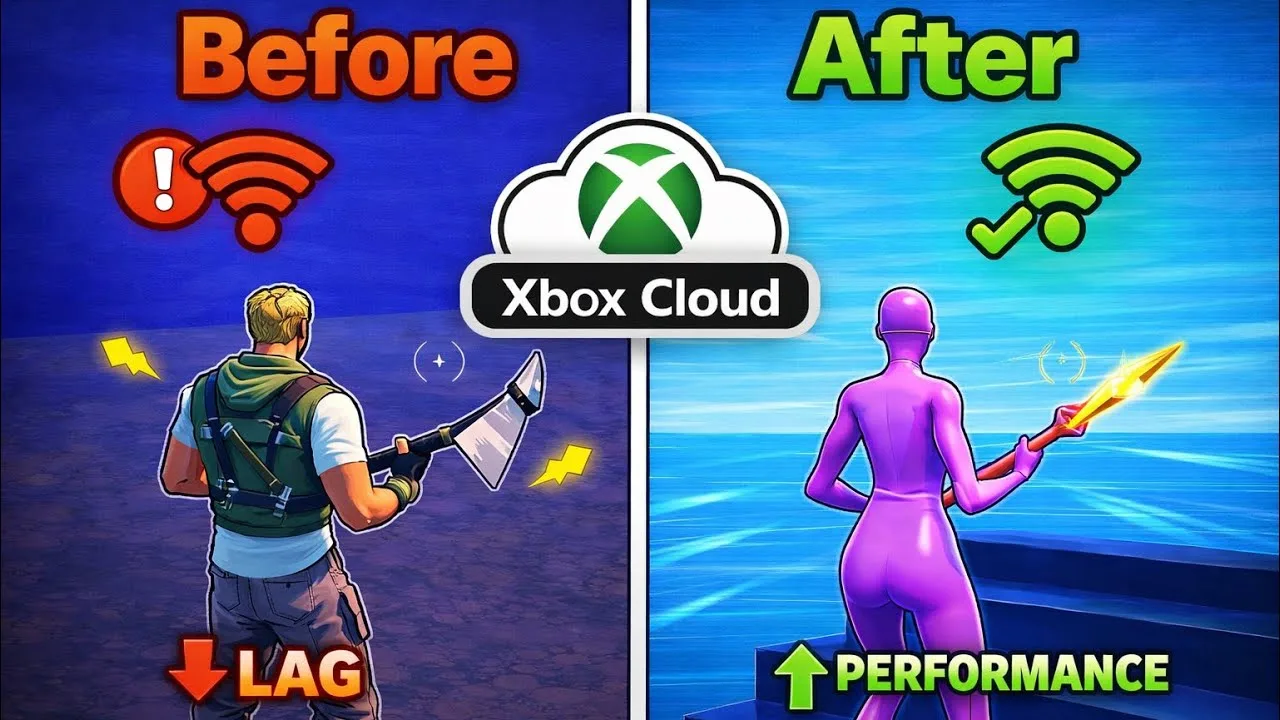
Step-by-step ways to cut input lag and stutter on Magic Core, covering Wi-Fi, router settings, background traffic, and in-app choices.
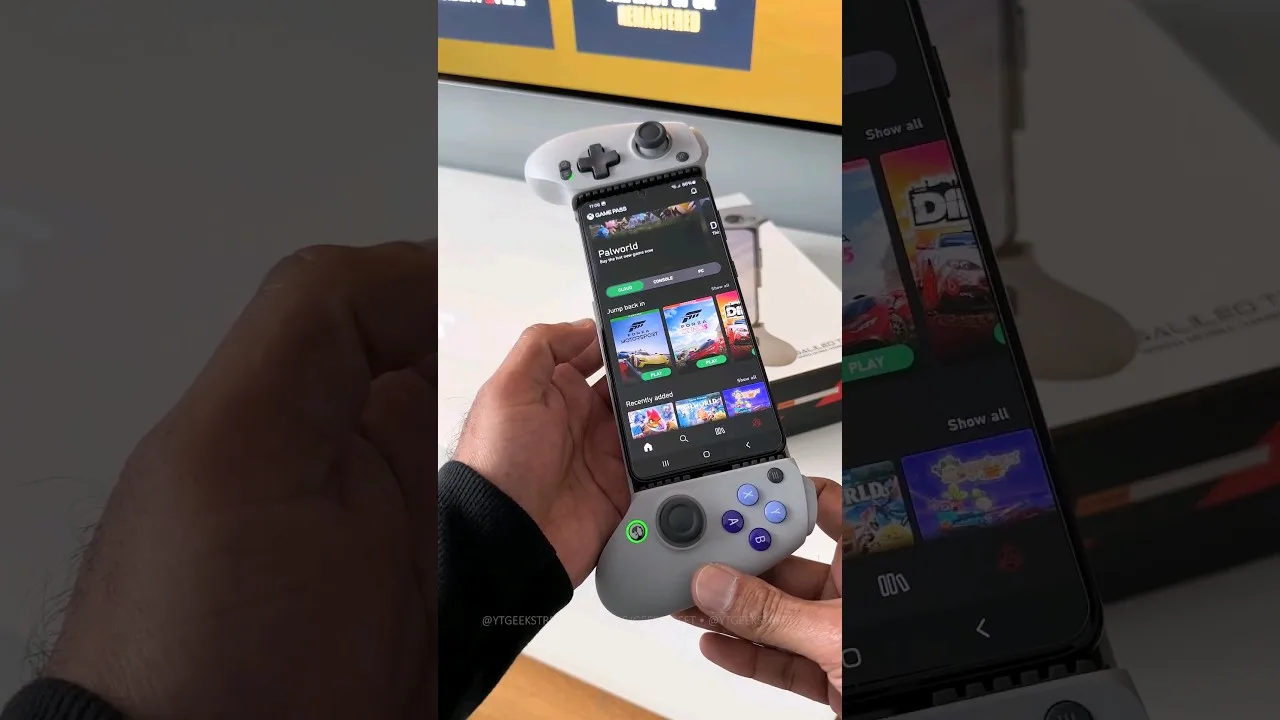
A practical guide to choosing and setting up a controller for Magic Core, from telescopic phone pads to standard Bluetooth gamepads.
Share this page