Guide
Magic Core on Low-End Android Phones
How Magic Core performs on low-end Android phones, why cloud gaming suits modest hardware, and the settings and habits that keep sessions smooth.
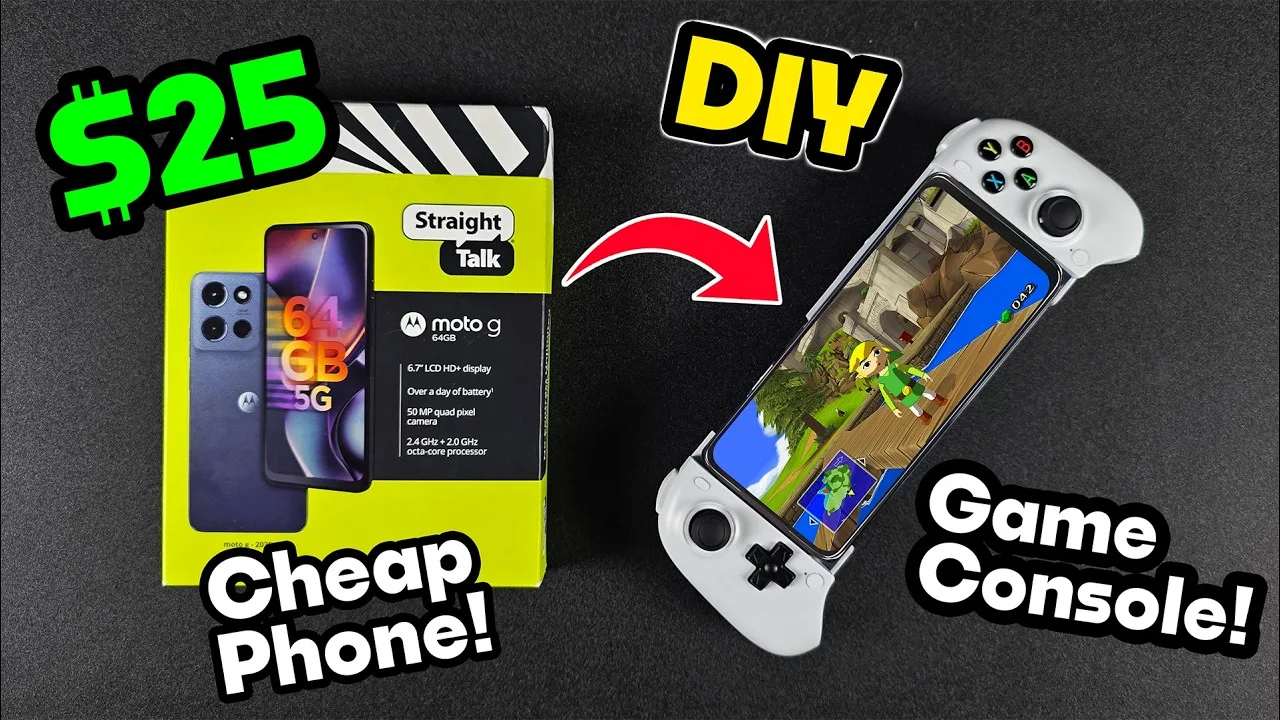

How Magic Core performs on low-end Android phones, why cloud gaming suits modest hardware, and the settings and habits that keep sessions smooth.
A low-end phone is normally a poor gaming machine, because the game itself has to fit in its storage, run on its modest processor, and render on its basic graphics chip. Cloud gaming turns that logic upside down: with Magic Core app, the heavy game runs on a remote computer, and your phone only has to decode a video stream and send your inputs, which almost any recent Android phone can do.
This guide explains honestly what a budget or older phone can and cannot do with cloud play, which settings matter most on limited hardware, and how to get a genuinely good session from a device that local gaming left behind.
Decoding video is one of the things even inexpensive phones do well, because they are built for streaming films and social video all day. A cloud session asks for that same skill plus a steady network connection. Your phone's gaming weakness, its graphics power, is simply not part of the equation, which is why a handset that struggles with a demanding local game can show the same game beautifully as a stream.
Storage stops being a barrier too. Large local games can claim tens of gigabytes each, which fills a small phone quickly and forces constant deleting. A streamed library lives elsewhere, so a phone with modest storage can still reach big games, as long as the app itself and its normal data have room to breathe.
What your phone does need is a reasonably current Android version, a screen you enjoy looking at, enough free storage for the app to run comfortably, and above all a good network connection. On a low-end phone the network matters even more than usual, because the device has less spare power to recover gracefully when a weak signal makes extra work.
Our Magic Core Cloud device compatibility guide sets out device expectations in more detail. As a rule of thumb, if your phone streams high-definition video smoothly for an hour without overheating or stuttering, it already has the core skills a cloud gaming session depends on, whatever its price or age.
Choose balanced or performance picture settings rather than the highest quality your connection offers. A slightly smaller stream is easier for a modest phone to decode, runs cooler, and uses less battery, while still looking good on a smaller screen where extreme resolutions bring little visible benefit anyway.
Close everything else while you play. Budget phones have limited memory, and background apps compete for exactly the resources the stream needs. Our Magic Core internet speed requirements guide explains the connection targets to aim for; on a weaker phone, meeting those targets steadily matters more than exceeding them briefly, because the device has no headroom to hide dips.
Streaming keeps the screen, the network radio, and the video decoder busy at once, so battery drains faster than in light phone use, and a hard-working budget phone can grow warm on long sessions. Warmth matters because phones protect themselves by slowing down, and that slowdown can appear as stutter that looks like a network problem.
Play plugged in for long sessions where you can, remove a thick case if the phone gets hot, and take short breaks between sessions on very warm days. A simple phone stand that lets air circulate beats resting the device on a bed or cushion, which traps heat exactly where the phone needs to shed it.
A low-end phone will not become a flagship by streaming. Its screen may be dimmer outdoors, its speakers thinner, and its Wi-Fi older and slower than a premium model's, and very fast competitive games will still punish any extra delay in the chain. Touch controls on a small screen also remain cramped for complex games, which is why a modest controller transforms budget cloud play more than any other purchase.
Set expectations by genre. Adventures, racers against the computer, strategy, and story games will feel like a genuine upgrade over anything the phone could run locally. Judge the setup on those, and the humble phone in your pocket becomes a far more capable gaming device than its specifications ever promised.
Before spending anything, borrow the comparison that matters: play the same game for fifteen minutes on your phone and, if a friend or family member has one, on a newer phone over the same connection. Most players are surprised how small the gap feels once the stream is doing the heavy work, and that surprise can save a great deal of money. Where a gap does show, it is usually the screen or the speakers rather than the gameplay, and both can be softened cheaply with headphones and a darker room. Buy a new phone when the phone itself is failing at calls, battery, and everyday life, not merely to play games that your current handset already streams perfectly well.
Cloud gaming is the one route where an older or cheaper phone is not automatically the worst way to play. Keep the stream setting sensible, the phone cool and uncluttered, and the connection strong, and modest hardware delivers sessions that local gaming on the same device could never match.
If your phone plays streamed video smoothly today, it is worth trying a real game session before assuming you need an upgrade. Many players discover their next console was already in their pocket, waiting for the games to move somewhere else.

Lead APK Reviewer
Ryan O'Connell is the Lead APK Reviewer at magiccorecloud.com. He installs and tests every Magic Core Cloud build on real Android phones — checking the install flow, permissions, sign-in and cloud play performance — before any download button goes live on this site.
Keep reading related guides for setup, compatibility, and smoother sessions.
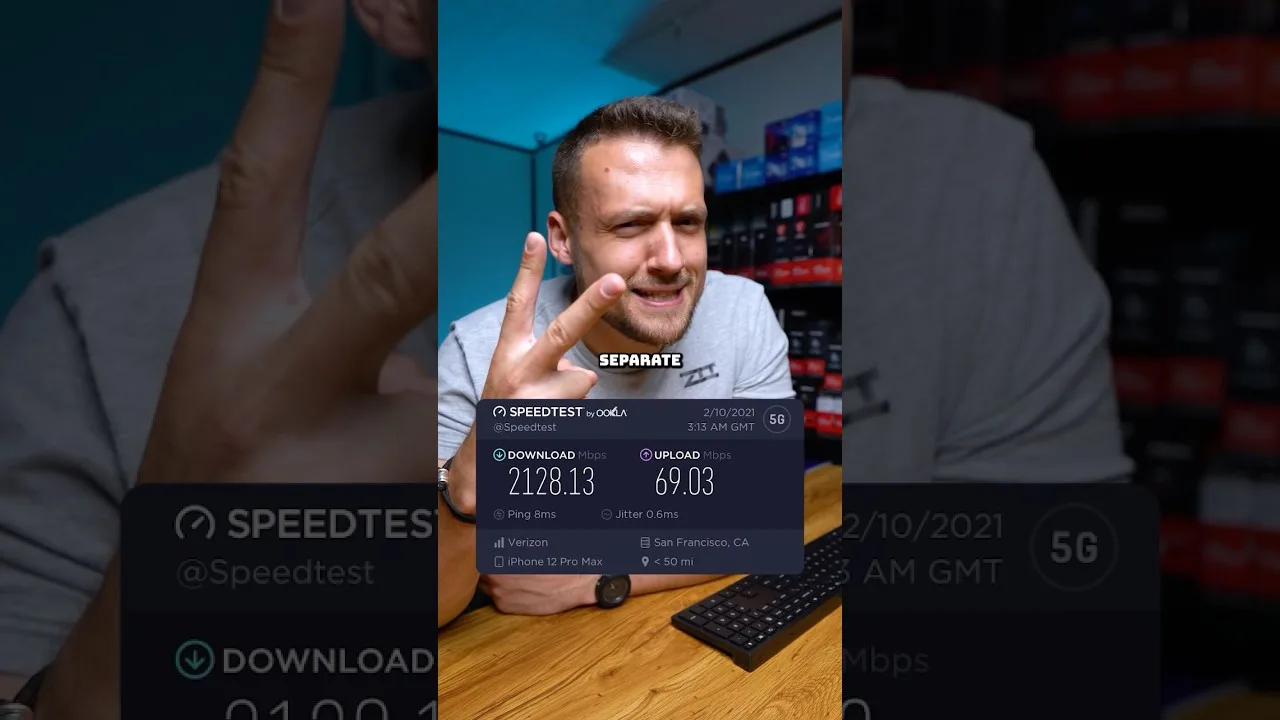
A clear guide to the download speed, ping, and connection stability Magic Core needs for smooth cloud gaming sessions on Android.
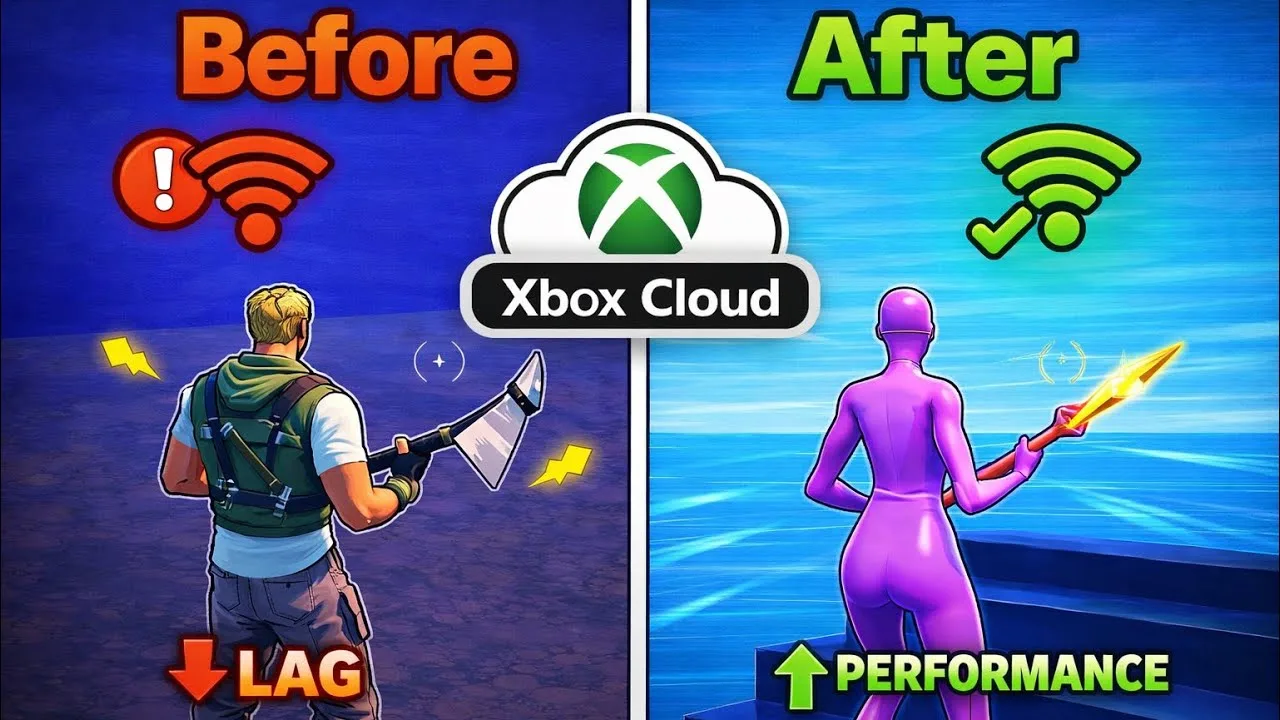
Step-by-step ways to cut input lag and stutter on Magic Core, covering Wi-Fi, router settings, background traffic, and in-app choices.
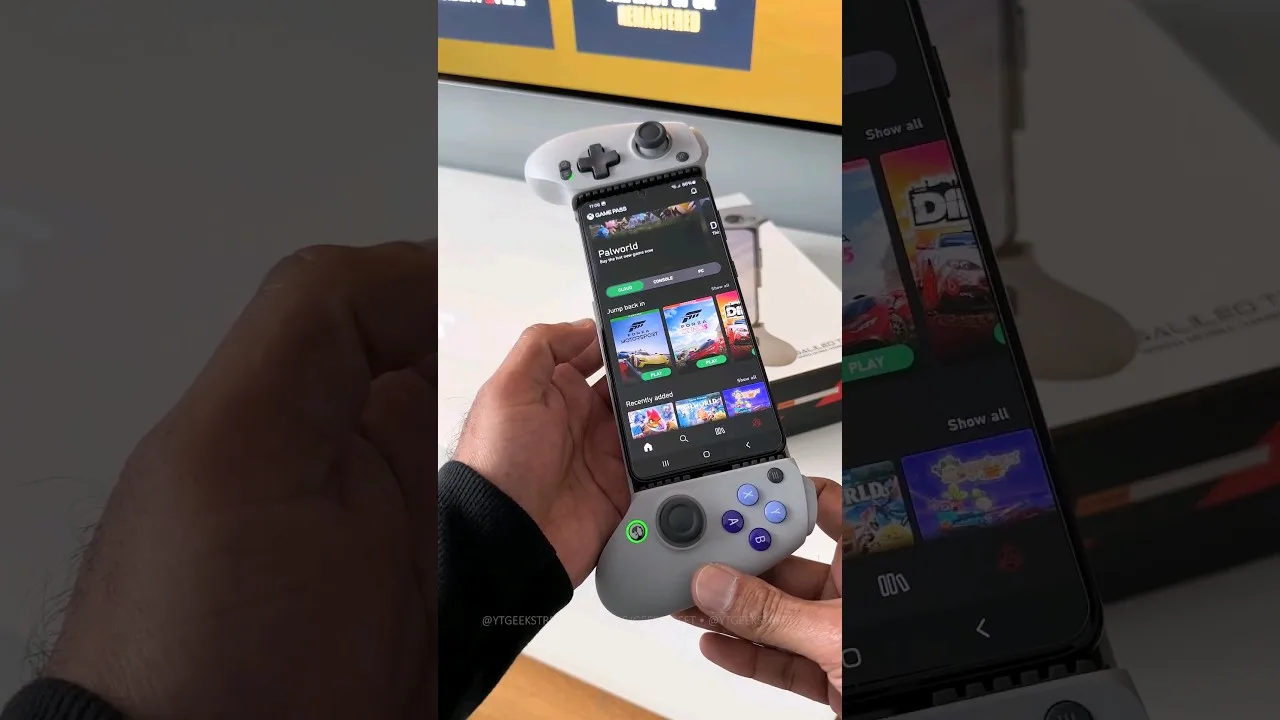
A practical guide to choosing and setting up a controller for Magic Core, from telescopic phone pads to standard Bluetooth gamepads.
Share this page