Guide
Magic Core Session and Queue Tips: Getting Into Games Faster
Session and queue tips for Magic Core: how queues work at busy times, how to start sessions faster, and how to keep a session stable once you are in.
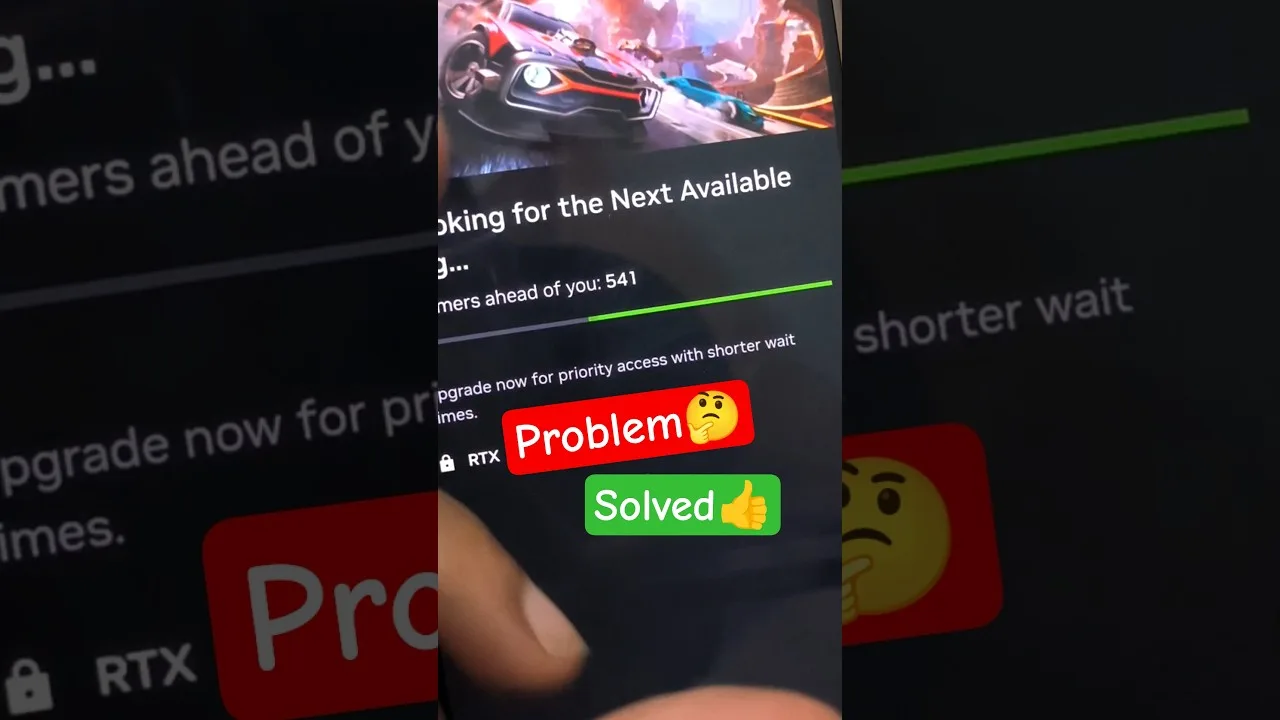

Session and queue tips for Magic Core: how queues work at busy times, how to start sessions faster, and how to keep a session stable once you are in.
At busy moments, cloud gaming services sometimes ask players to wait briefly before a session starts, because every player needs a machine on the other end and there are only so many machines to go around. These session and queue tips for Magic Core for Android explain why queues appear, when they are longest, and what genuinely helps you get into games faster, as opposed to the rituals that only feel helpful.
Once you are in, the second half of the skill is staying in: keeping a session stable, knowing how pauses and reconnections behave, and setting up so that a short wait never turns into a lost evening.
A streamed game needs real hardware reserved for you alone for the whole session. When more players arrive than there are free machines, a queue forms, and it clears as sessions end. Queues are therefore a sign of a busy hour, not a broken app, and they follow predictable patterns tied to evenings, weekends, holidays, and the first days of a popular new game.
Understanding that rhythm is most of the solution. A queue at the peak of a Saturday evening may vanish entirely an hour later or the following morning. If your gaming time is flexible even by a little, shifting demanding or popular titles away from the sharpest peak is the most effective tip in this entire guide, and it costs nothing.
New releases concentrate demand brutally for their first days. If a launch title has a long wait, play something else from your library and return in a few days when the rush has thinned; the game will be identical and the door will be open. Keeping two or three enjoyable games in rotation means a queue for one never stops the evening.
Off-peak sessions also tend to run better once you are in, because the whole path, from the service to your provider's network, is less loaded. Our Magic Core Cloud best ways to use guide has broader habits for organising a library and a routine, which pair naturally with choosing your moments deliberately instead of fighting the crowd nightly.
Stay in the queue once you have joined it. Leaving and rejoining almost never improves your position and usually sends you to the back, and repeatedly restarting the app can drop a place the service was holding for you. Keep the phone awake and connected, stay on the same network, and let the wait screen do its quiet work.
Use the wait well: connect your controller, plug in a charger, and settle where your signal is strongest, so the moment your session starts you are ready rather than scrambling. If a wait stretches far beyond what the estimate suggested, one clean restart and rejoin is reasonable; beyond that, treat it as information about peak demand and switch games or times rather than battling the queue.
When your turn arrives, be ready to confirm promptly if the app asks, because an unanswered prompt can release your machine to the next player. Start on your strongest connection rather than planning to improve it later, and close heavy background activity first so the opening minutes, when the game and stream settle, get the network to themselves.
Players setting up for the first time can get the app from the Magic Core download page and be ready before they ever meet a queue. Our guide to reducing lag on Magic Core covers the connection habits that also make sessions start more reliably, since the same weak signal that causes lag can cause a fresh session to stumble at the door.
Protect the session you waited for. Stay within good range of the router, avoid switching between Wi-Fi and mobile data mid-game, and pause rather than abandon if you must step away briefly, since many games and services hold a paused session for a short grace period while a closed one returns you to the queue.
If the connection drops, act quickly but calmly: most reconnections succeed if you return within a short window on the same network. Note the times and games where drops happen, because a pattern of evening drops points to household network load, which you can fix, while random drops at all hours point to signal or service issues worth a different kind of investigation.
Finally, keep your expectations proportionate. Even a busy service's typical wait is a few minutes, roughly the time older gaming generations spent loading from discs, finding memory cards, or untangling controller cables. The queue only feels long because everything else about streaming is instant. Use that perspective to stay patient at peak times, prepare your seat and controller while the line moves, and remember that a shorter queue is almost always available an hour earlier or later for players whose schedules bend. The players who enjoy cloud gaming most are rarely the ones with the fastest connections; they are the ones who stopped fighting the rhythms of the service and simply played with them.
Queues are weather, not failure: they form at predictable busy times and clear just as predictably. Shift your most-wanted games slightly off-peak, keep a small rotation so a wait never ends an evening, and stay put once you are in line.
Then guard the session you earned with a strong signal and a settled setup. Do those things and the waiting becomes a small, shrinking part of your gaming life, while the playing, which is the entire point, starts sooner and runs longer.

Lead APK Reviewer
Ryan O'Connell is the Lead APK Reviewer at magiccorecloud.com. He installs and tests every Magic Core Cloud build on real Android phones — checking the install flow, permissions, sign-in and cloud play performance — before any download button goes live on this site.
Keep reading related guides for setup, compatibility, and smoother sessions.
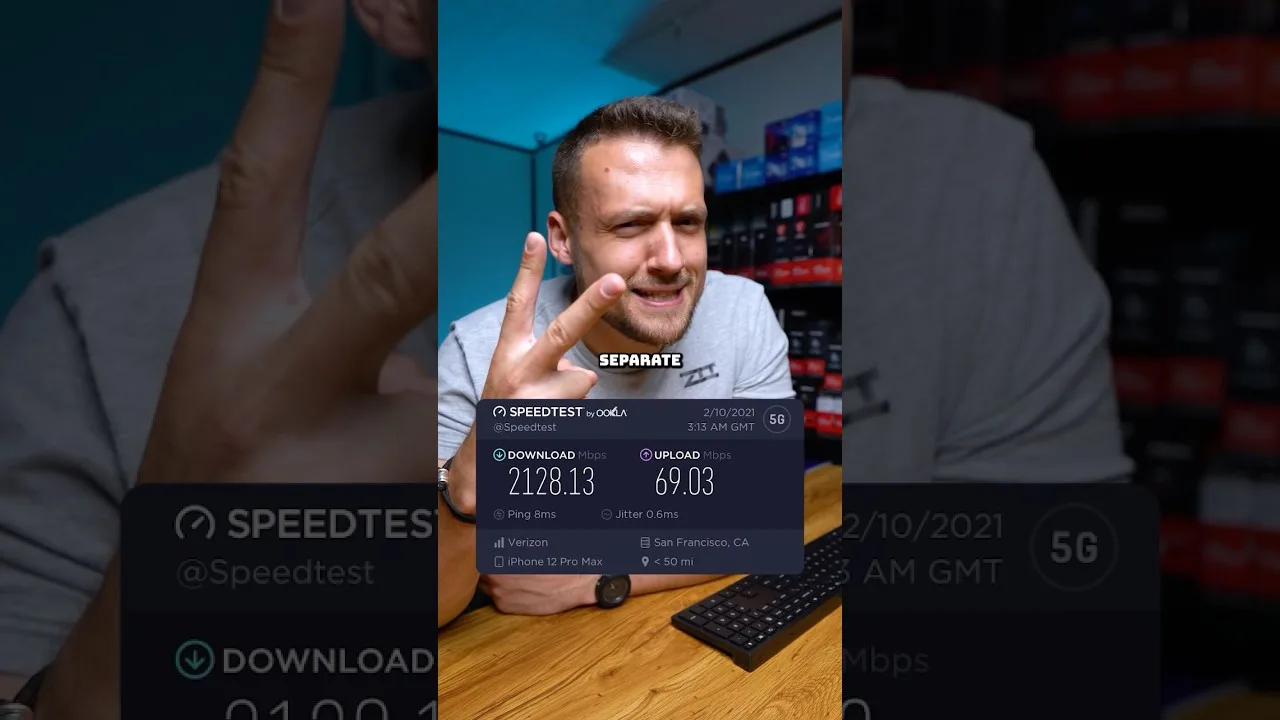
A clear guide to the download speed, ping, and connection stability Magic Core needs for smooth cloud gaming sessions on Android.
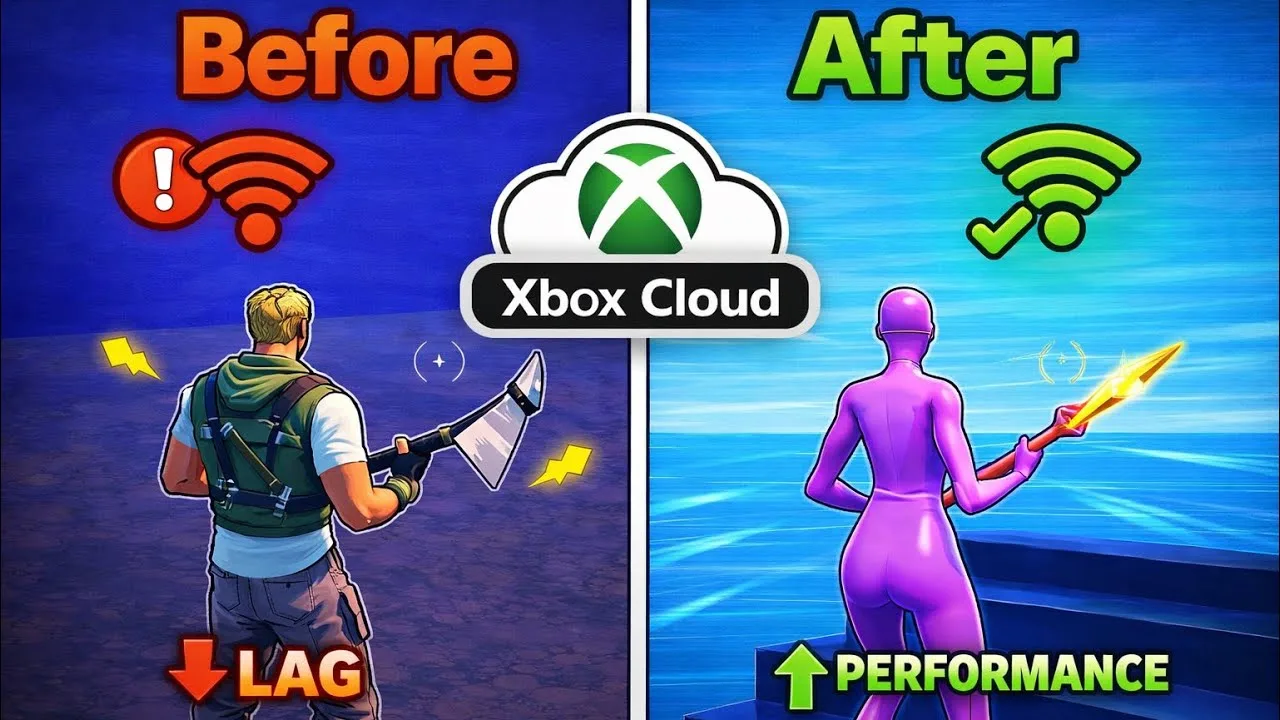
Step-by-step ways to cut input lag and stutter on Magic Core, covering Wi-Fi, router settings, background traffic, and in-app choices.
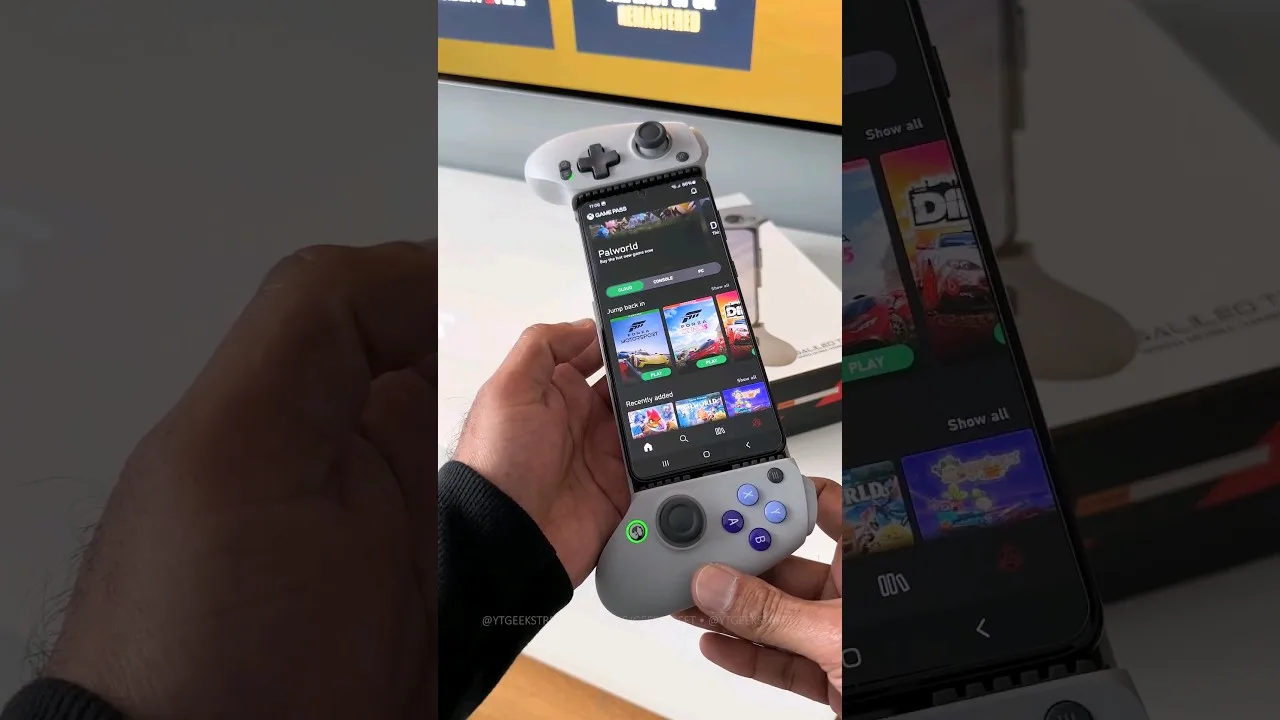
A practical guide to choosing and setting up a controller for Magic Core, from telescopic phone pads to standard Bluetooth gamepads.
Share this page