Guide
How Saves and Progress Work on Magic Core
How saves and progress work on Magic Core, where your game data lives, how it follows your account across devices, and how to protect it.

How saves and progress work on Magic Core, where your game data lives, how it follows your account across devices, and how to protect it.
In local gaming, your progress lives in a file on the device in your hand, and losing the device can mean losing hundreds of hours. Cloud gaming changes where saves live. When you play through Magic Core, the game is running on a remote computer, and your progress is stored alongside that game and tied to your account, so it can follow you from phone to TV to a replacement handset.
This guide explains how saves and progress work in practice, what that means when you switch devices or sign in somewhere new, and the simple habits that keep your progress safe for years rather than months.
Think of your account as the key and the cloud as the filing cabinet. When you finish a session, the game's save data stays with the service and your account records, not inside your phone's storage. That is why deleting and reinstalling the app, or clearing its cache during troubleshooting, does not erase your progress: you are throwing away a window, not the room behind it.
It also means your phone's storage backups are not what protects a cloud library. What protects it is access to the account itself, which is why your sign-in email and password deserve the same care as any important account. Lose the device and you lose convenience; lose the account and you lose the thread to everything you have played.
Because progress follows the account, starting on your phone and continuing on a TV device is mostly a matter of signing in with the same account and opening the same game. Give a new device a moment on a good connection for everything to load, and check that you are in the correct profile inside games that support several save slots or characters.
Our Magic Core account and login help guide covers signing in cleanly on a second device and recovering access if you are ever locked out. Most reports of lost progress turn out to be a fresh account created by accident on the new device, which simply shows an empty library while the real account, and its saves, wait untouched under the original sign-in.
Each game still saves in its own way inside the service. Some save automatically and constantly, some save at checkpoints, and some keep several manual slots. Learn the habit of the game you are deep into: finish a session by reaching a natural save point or using the game's own save option from its menu, rather than closing everything mid-action and hoping the last autosave was recent.
Where a game offers cloud options of its own, leave them enabled. Our Magic Core Cloud features guide explains the app's main sections, which is useful when you are checking where a particular game's options and profile settings live. The app brings you to the game; the game's own menus remain the authority on its save slots and settings.
A dropped connection mid-game is annoying but rarely destructive. The game continues on the remote side for a short grace period in many cases, and reconnecting usually returns you to the session or to the game's last saved state. What an interruption cannot do is reach back and damage older saves; at worst you may replay a few minutes since the last checkpoint.
The riskier moments are human ones: playing signed in as a guest where an account option exists, sharing an account so someone overwrites a shared slot, or starting a new game over an old slot in a moment of menu haste. Slow down at save and load screens, especially in games with limited slots, and treat those menus with the respect your hours deserve.
Always play on your own account rather than a guest mode when the choice exists, keep your account email current and accessible, and use a unique password you can recover. If a game matters deeply to you, note which slot holds your main run and consider keeping a second slot as a rolling backup where the game allows it.
Before changing phones or resetting a device, sign in once on the new setup and open your main game to confirm your progress is there before wiping anything. That two-minute check, done calmly in the right order, has saved more players from heartbreak than any backup tool, because it verifies the only copy that matters is safely tied to you.
One more distinction is worth understanding: progress inside a game and the state of a paused session are different things. Progress is the saved story, the unlocked levels, the character you built, and it is durable by design. A live session, the exact moment you paused mid-battle, is far more fragile and is only held for a short grace period before the game returns you to a menu or a checkpoint. Treat every break as if the live moment will be gone and the saved progress will remain, because that is usually the truth. Saving before you step away turns that truth from a risk into a comfort, and it takes less than a minute in almost any game.
Cloud saves move progress off fragile hardware and onto your account, which is a genuine upgrade in safety and freedom, as long as the account itself is looked after. Sign in properly, save deliberately inside each game, and verify before you wipe or switch devices.
Do that, and progress becomes something you carry rather than something you guard: start a quest on the phone tonight, continue it on the TV tomorrow, and pick it up again on a new handset next year, with the story exactly where you left it.

Lead APK Reviewer
Ryan O'Connell is the Lead APK Reviewer at magiccorecloud.com. He installs and tests every Magic Core Cloud build on real Android phones — checking the install flow, permissions, sign-in and cloud play performance — before any download button goes live on this site.
Keep reading related guides for setup, compatibility, and smoother sessions.
A clear guide to the download speed, ping, and connection stability Magic Core needs for smooth cloud gaming sessions on Android.

Step-by-step ways to cut input lag and stutter on Magic Core, covering Wi-Fi, router settings, background traffic, and in-app choices.
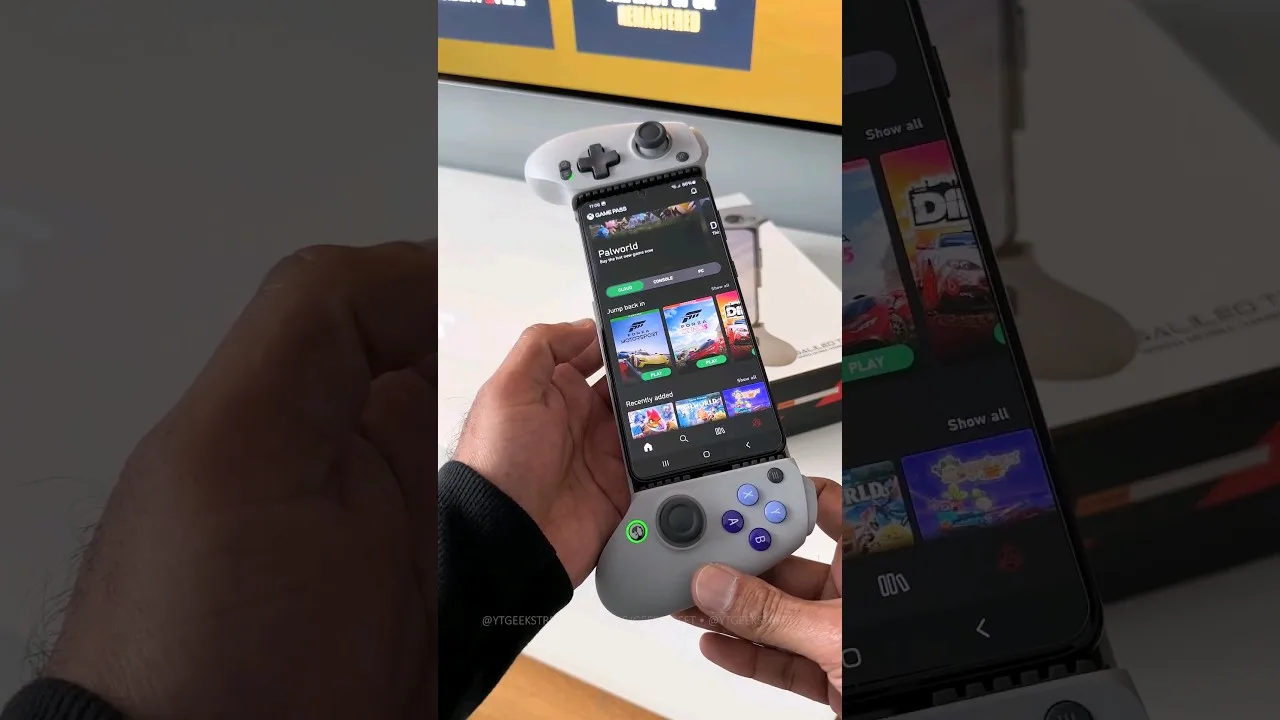
A practical guide to choosing and setting up a controller for Magic Core, from telescopic phone pads to standard Bluetooth gamepads.
Share this page