Guide
Magic Core Data Usage Guide
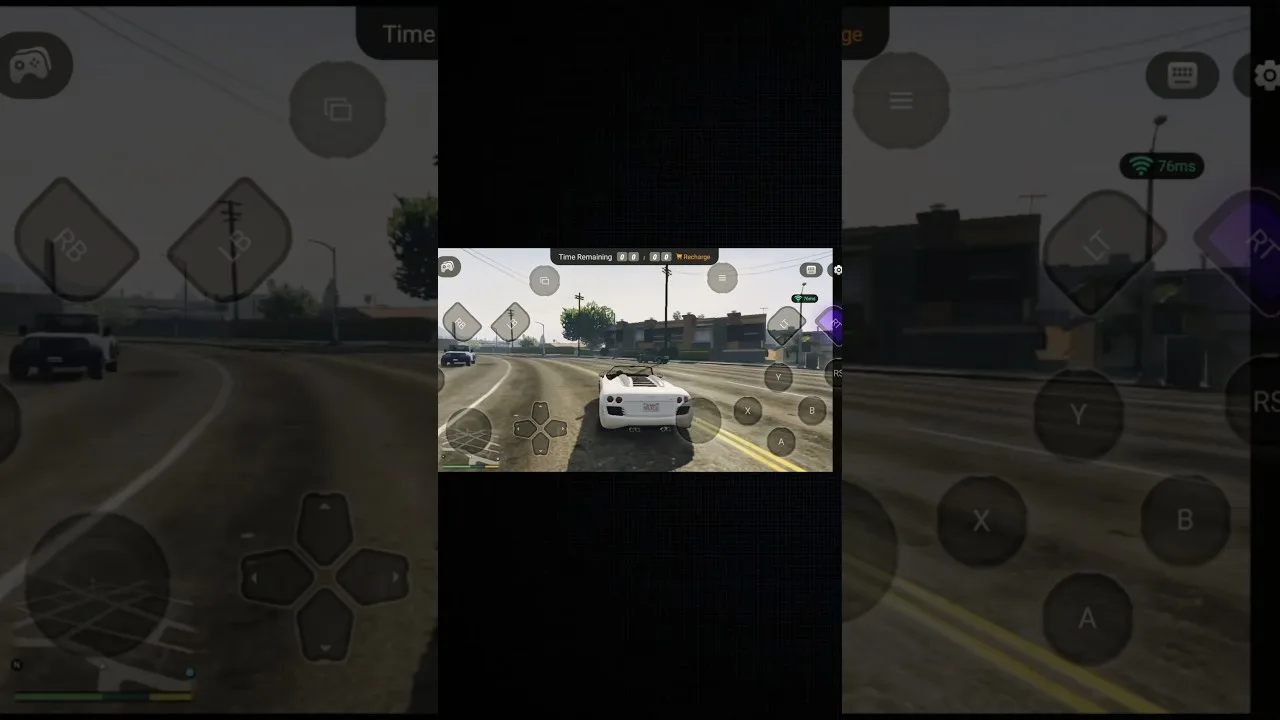
How much data Magic Core uses per hour of cloud gaming, what affects it, and how to watch, cap, and reduce usage on Wi-Fi and mobile data.

How much data Magic Core uses per hour of cloud gaming, what affects it, and how to watch, cap, and reduce usage on Wi-Fi and mobile data.
Cloud gaming is a video stream you control, so it uses far more data than a downloaded game uses after installation, and far more than browsing or messaging. Understanding the data usage of Magic Core APK download matters most on capped home broadband and mobile plans, where a long weekend of play can surprise you on the next bill.
This guide gives honest per-hour ranges, explains what pushes usage up or down, and shows how to measure your real consumption and keep it under control without ruining the picture.
As a working guide, a high-definition cloud gaming stream commonly uses roughly 5 to 10 gigabytes per hour, with the exact figure moving up or down with picture settings and the game itself. A busy action game with constant motion uses more than a slow strategy game, because there is more changing picture information to send every second.
Lower picture settings can cut usage dramatically, often to around half or less, because a smaller, softer stream carries less data. That trade is worth knowing: on an unlimited home connection, choose the best picture freely, but on a metered connection, dropping one quality step can double the number of hours your allowance buys you.
Resolution is the biggest factor, followed by frame rate and scene motion. A stream that targets a higher resolution at a smoother frame rate is sending far more information than a modest one. Games with fast camera movement, detailed textures, and lots of on-screen effects sit at the top of the range even at the same nominal settings.
Session habits matter too. Time spent in menus and lobbies still streams video, and leaving a game running while you make tea quietly burns allowance. Our Magic Core internet speed requirements guide explains the connection side of the same maths, since the speed your stream needs and the data it consumes rise and fall together.
Android tracks data per app. In your phone's settings, open the network or connections section, find data usage by app, and check the figure for the app before and after a timed session. One measured hour of your own play, in the games and settings you actually use, is worth more than any general chart, including the ranges in this guide.
On home broadband, many routers and provider apps show daily or per-device totals. Compare a gaming evening with a quiet one to see the true cost of your sessions. Once you know your real per-hour number, planning becomes simple arithmetic instead of guesswork, and there are no end-of-month surprises.
Mobile data can deliver a good session where the signal is strong, but treat it as a priced resource. Set a data warning and, if your phone offers it, a hard limit for the month, so one enthusiastic week cannot consume the whole plan. Prefer shorter sessions, lower picture settings, and games that use less motion-heavy streaming while you are away from Wi-Fi.
Download and update everything else on Wi-Fi, so your mobile allowance is spent only on play itself. Our best Wi-Fi settings for Magic Core guide will help you make the home network good enough that mobile data becomes a choice for travel rather than a workaround for a weak signal at home.
Lower the stream quality one step, cap long sessions with a timer when you are on a metered connection, and close the app fully when you finish rather than leaving it connected in the background. If the app or your phone offers a data saver for streaming, test it in a game you know well and judge the picture with your own eyes.
Household habits help as well. If several people stream games and video at once on a capped plan, agree rough budgets the way families once agreed phone minutes. It sounds old-fashioned, but a shared plan survives the month far better when everyone knows an hour of top-quality cloud play costs about the same as several hours of ordinary video.
A useful rule for capped households is to budget gaming data the way you budget anything else shared: decide a weekly figure together, check it at the same time each week, and adjust quality settings before adjusting blame. Most arguments about data are really about surprises, and a visible weekly number removes the surprise entirely. Remember too that the first days with a new game are always the heaviest, because excitement runs long sessions back to back. Plan for that honeymoon week, drop one quality step if the budget demands it, and know that your normal rhythm afterwards will use far less. Data managed calmly like this never has to interrupt a session or sour an evening again.
Expect roughly 5 to 10 gigabytes an hour at high quality, much less at modest settings, and measure your own sessions once so the numbers stop being guesses. With that knowledge, data stops being a worry in the background of every session and becomes just another setting you control.
Play at full quality where data is unlimited, drop a step where it is not, and keep an eye on Android's per-app totals for the first few weeks. That small routine protects your allowance while keeping the experience itself exactly as good as your connection allows.

Lead APK Reviewer
Ryan O'Connell is the Lead APK Reviewer at magiccorecloud.com. He installs and tests every Magic Core Cloud build on real Android phones — checking the install flow, permissions, sign-in and cloud play performance — before any download button goes live on this site.
Keep reading related guides for setup, compatibility, and smoother sessions.
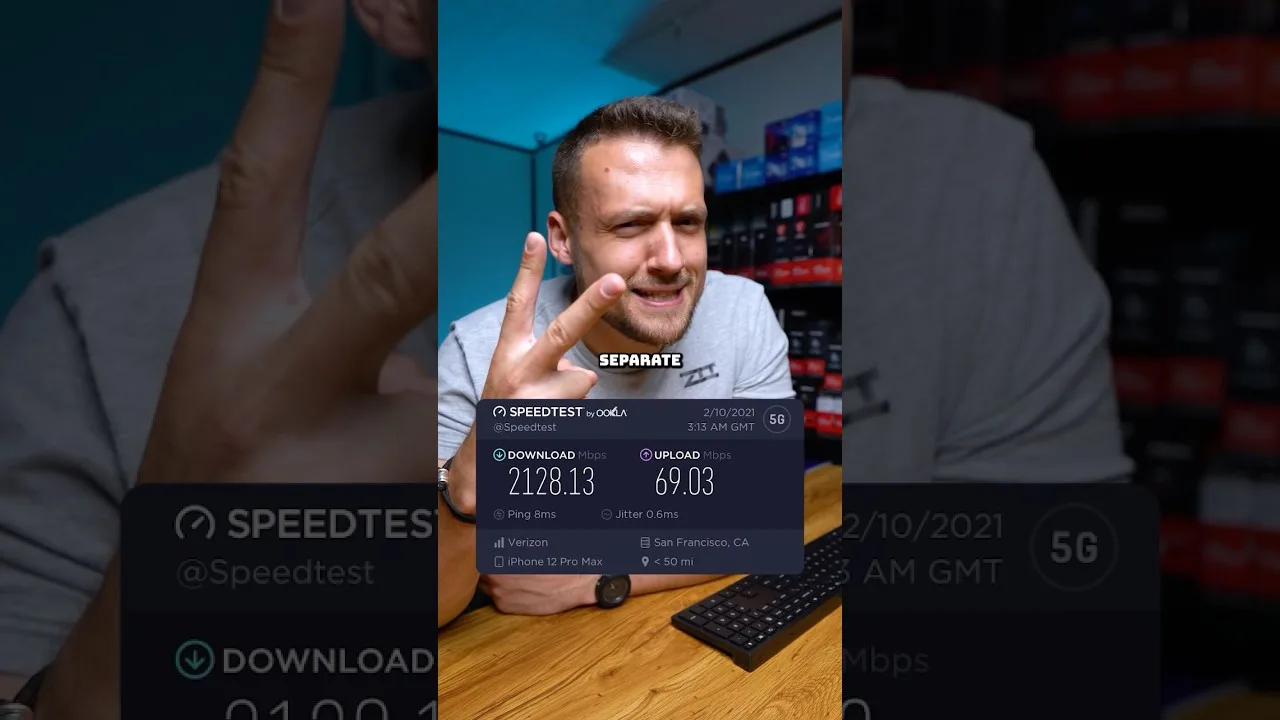
A clear guide to the download speed, ping, and connection stability Magic Core needs for smooth cloud gaming sessions on Android.
Step-by-step ways to cut input lag and stutter on Magic Core, covering Wi-Fi, router settings, background traffic, and in-app choices.
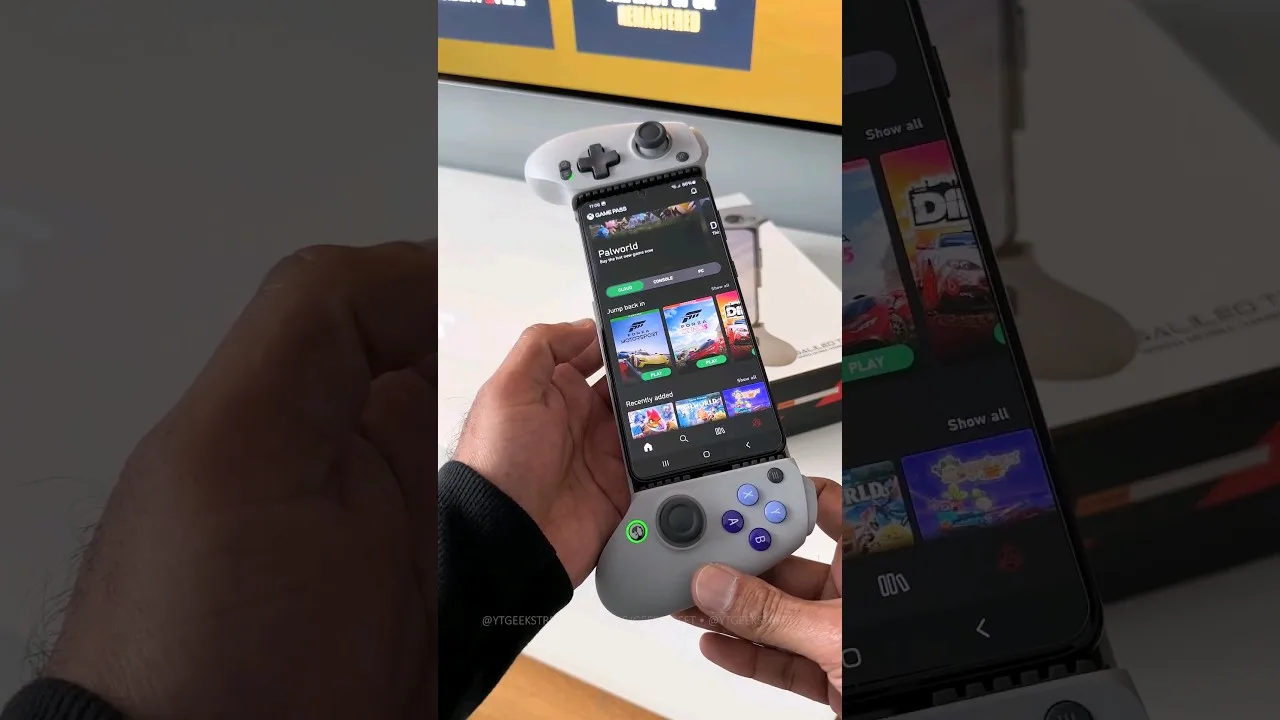
A practical guide to choosing and setting up a controller for Magic Core, from telescopic phone pads to standard Bluetooth gamepads.
Share this page