Guide
Magic Core vs Native Android Games: Which Suits You?
Magic Core cloud gaming compared with native Android games, covering performance, storage, cost, offline play, and which style suits different players.
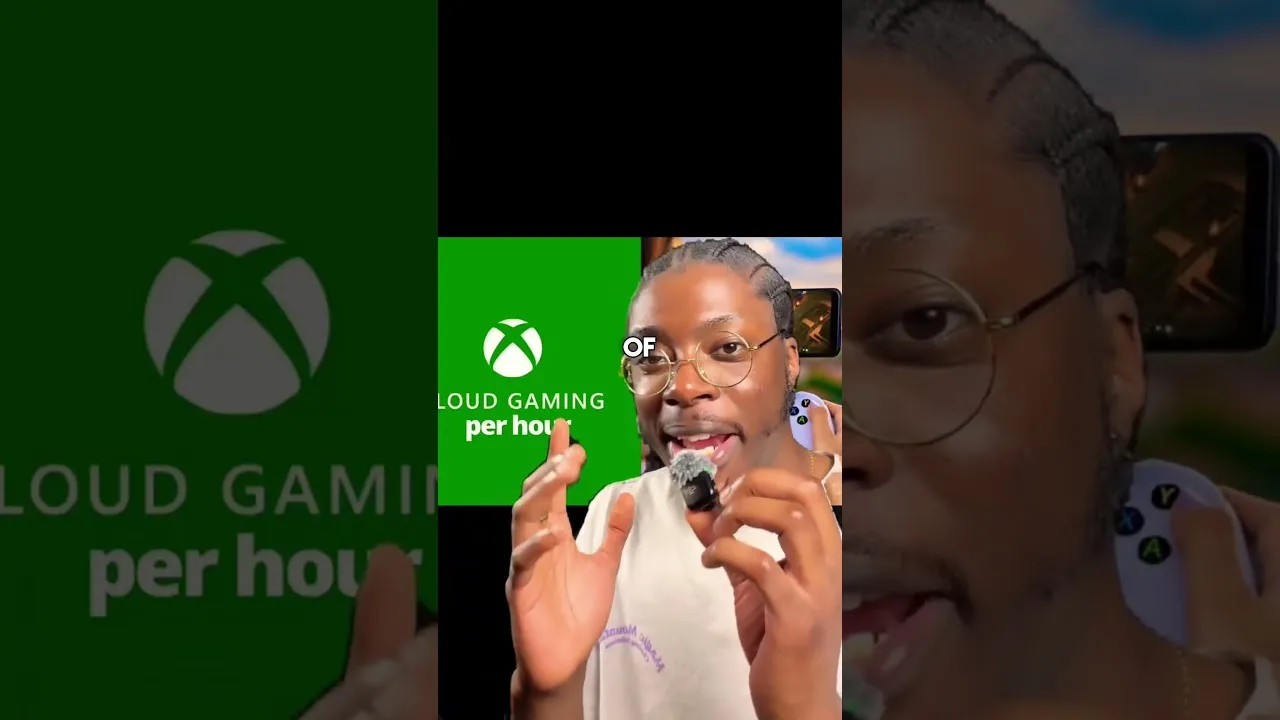

Magic Core cloud gaming compared with native Android games, covering performance, storage, cost, offline play, and which style suits different players.
Android players now have two very different ways to play: install a game natively and run it on the phone itself, or stream it through a cloud service where a remote computer does the work. Comparing Magic Core APK with native Android games is not about crowning a winner, because each approach is genuinely better at some things and worse at others.
This guide lays out the honest trade-offs across performance, storage, connection needs, and cost, then finishes with a simple way to decide, game by game and moment by moment, which style suits you.
A native game can only be as impressive as your phone's processor and graphics chip allow, so the same title looks modest on a budget handset and rich on a flagship. A streamed game runs on powerful remote hardware, so its ceiling is set by the service and your connection instead, and a modest phone can show scenes it could never render itself.
The native game answers your inputs instantly because everything happens inside the phone, while the stream adds a round trip that skilled players can feel in fast competitive titles. In slower and mid-paced games that difference mostly disappears, which is why genre matters so much in this comparison. Our best games to play on Magic Core guide shows which types sit comfortably on the streamed side of the line.
Native games occupy your storage permanently and grow with every update, and large titles can claim a serious share of a smaller phone. Getting started means a long download and install before the first minute of play. Streamed games start in moments and take almost no room, which makes trying something new nearly effortless.
That difference changes behaviour. Native libraries tend to be small and heavily edited because every game costs storage and waiting; streamed libraries invite sampling, because leaving costs nothing and returning is instant. Our Magic Core Cloud best ways to use guide leans into that freedom, with habits for browsing and organising a library you did not have to download.
Here native gaming wins a clear round. An installed game works on a plane, in a basement, on a train through the countryside, and anywhere else a signal cannot reach, and it never stutters because the household started streaming a film. A cloud game needs a steady connection for every minute of play and uses significant data while it runs.
For many players the practical answer is a mix: keep a small set of favourite native games for travel and dead zones, and stream the large, demanding, or occasional titles at home where the connection is strong. Neither library has to do every job, and forcing either one to do so is where most disappointment with both approaches begins.
Native gaming's costs hide in hardware and storage: playing the biggest local games well pushes you toward expensive phones with large storage, replaced every few years. Cloud play shifts spending toward the connection and any service costs, while letting a modest phone remain a perfectly good gaming device for far longer.
Individual games complicate the maths, since a title may be sold, subscribed, or offered differently in each model. Judge total cost over a year of your real habits rather than headline prices. For a player with good home internet and an ageing phone, streaming often delivers the larger library for the smaller outlay; for a player with patchy internet, money spent on local games is never wasted on a connection that cannot carry a stream.
Rendering a demanding game locally is the hardest work a phone does, draining the battery quickly and heating the device, which then slows itself to cool down. Streaming replaces that with video decoding and network use: still hungry, but generally cooler and kinder over long sessions, especially in graphically heavy games.
Native play also ages a phone's battery faster through those hot, heavy cycles, while streamed play treats the handset more like a screen with a controller attached. Neither is free, and both reward playing plugged in at home, but players who game for hours daily often notice their phone lasting longer, in every sense, when the heavy lifting happens somewhere else.
Your own habits may settle the question faster than any feature list. Look at where you actually played last month: mostly at home on the sofa, mostly on transport, mostly in short bursts or in long evening sessions. That map of real behaviour predicts satisfaction far better than specifications do, because each style's weaknesses only matter where you truly meet them. A commuter with patchy signal should weight offline play heavily; a home player with strong Wi-Fi and an old phone should weight the cloud's freedom just as heavily. There is no universal verdict to reach, only a personal one, and yours is written in your last month of evenings more clearly than in any review.
Choose native for offline certainty, instant response in competitive games, and titles you play daily in places without a signal. Choose the cloud for huge games on modest hardware, instant trials, and a library unbound by storage. Most experienced players quietly use both, each where it is strongest.
Ask of every game just two questions: do I need it away from a good connection, and does it demand the last millisecond of response? If both answers are no, streaming will probably delight you. If either is yes, install it. That small habit turns a debate into a decision you make in seconds.

Lead APK Reviewer
Ryan O'Connell is the Lead APK Reviewer at magiccorecloud.com. He installs and tests every Magic Core Cloud build on real Android phones — checking the install flow, permissions, sign-in and cloud play performance — before any download button goes live on this site.
Continue with related articles that expand on features, compatibility, and troubleshooting.
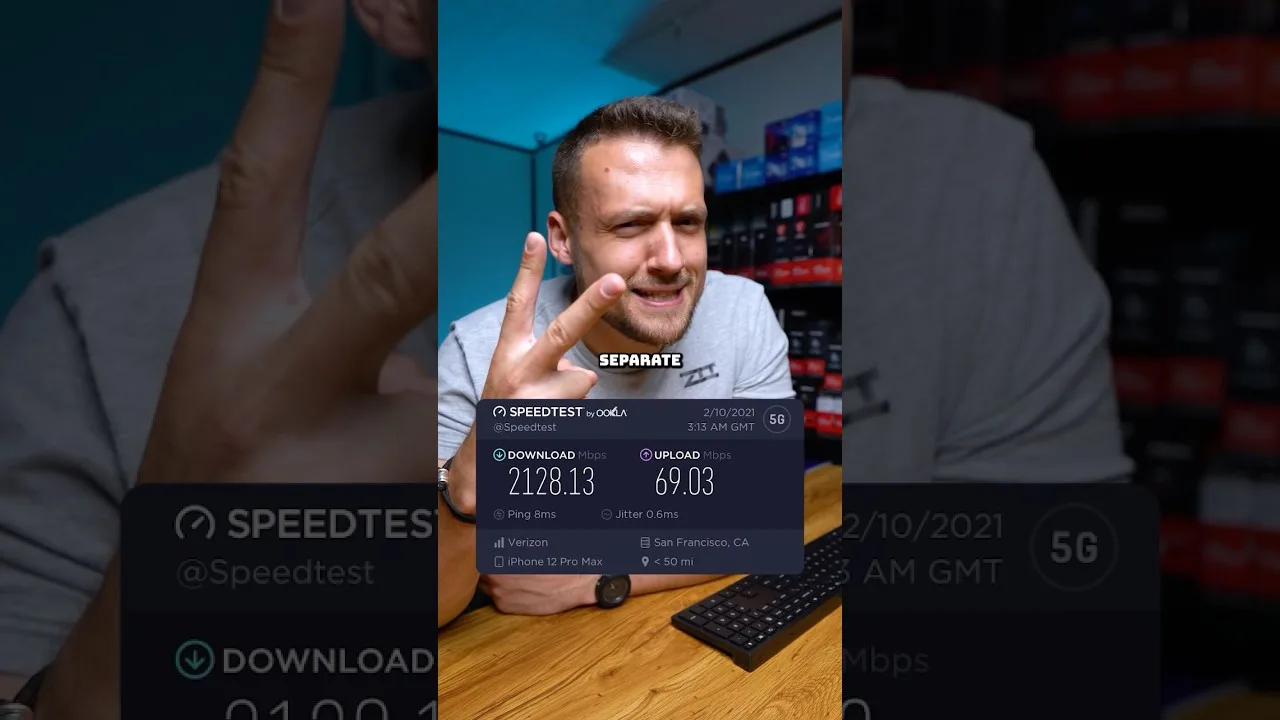
A clear guide to the download speed, ping, and connection stability Magic Core needs for smooth cloud gaming sessions on Android.
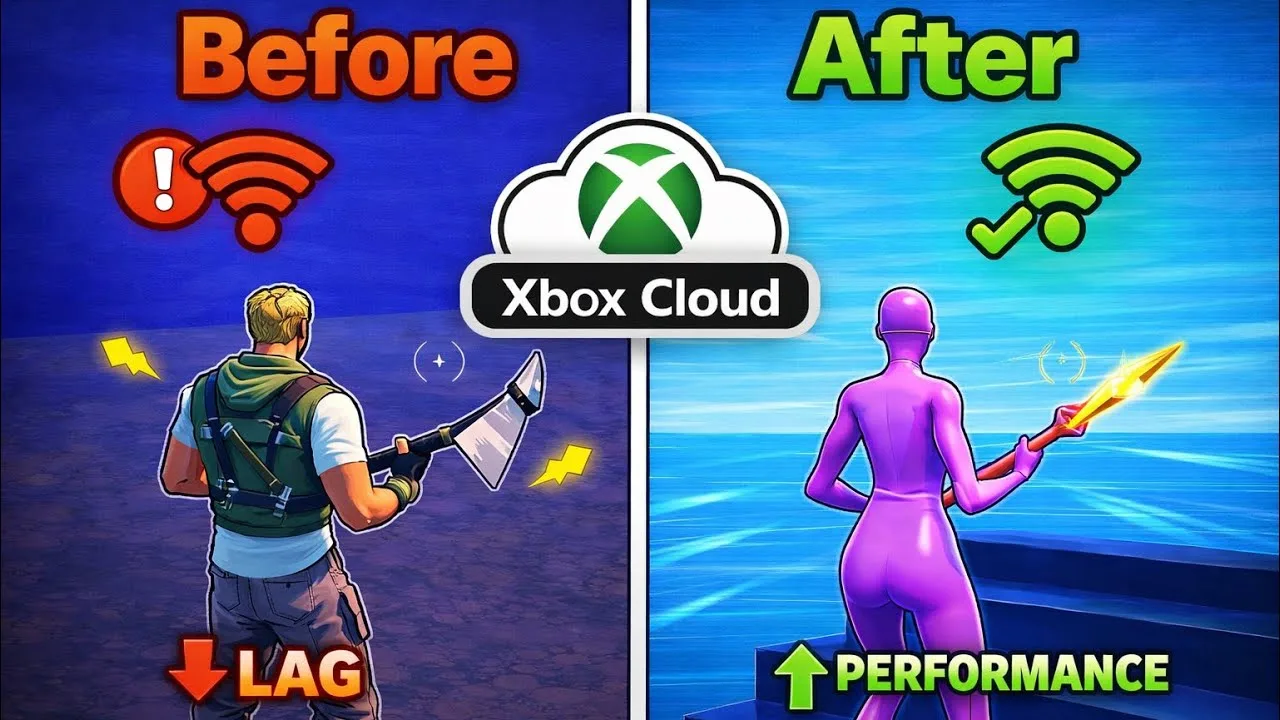
Step-by-step ways to cut input lag and stutter on Magic Core, covering Wi-Fi, router settings, background traffic, and in-app choices.
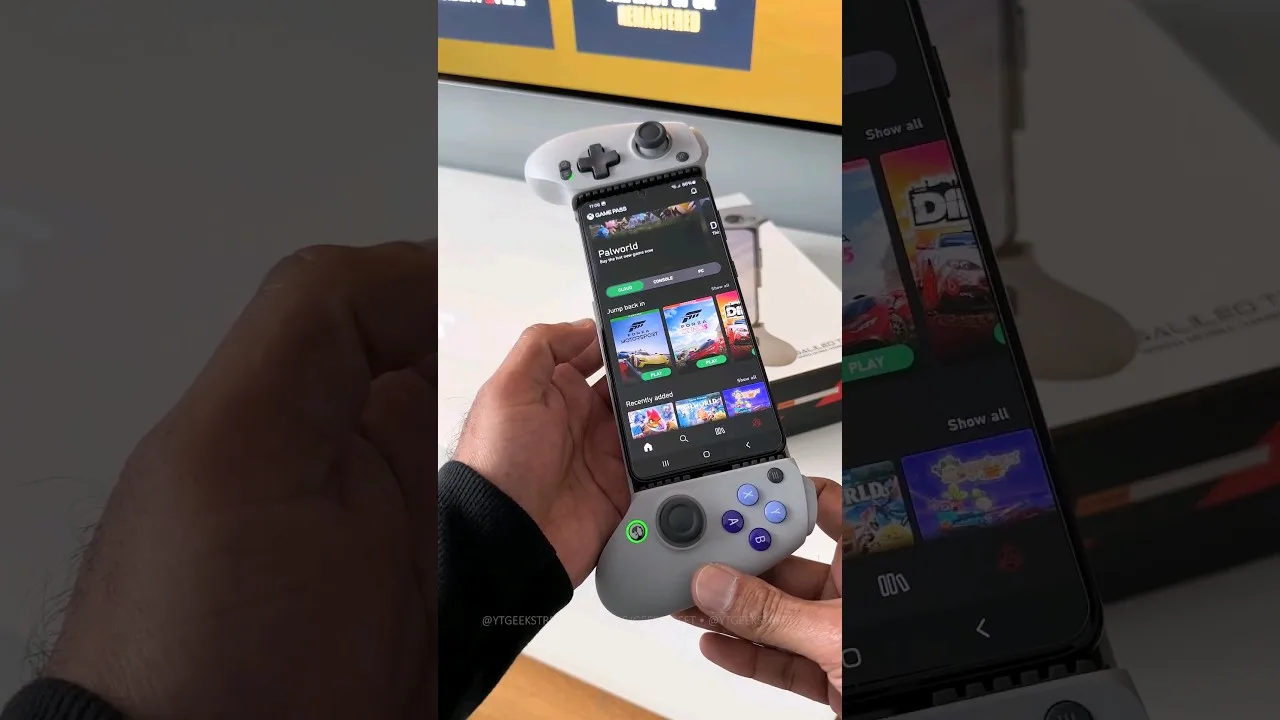
A practical guide to choosing and setting up a controller for Magic Core, from telescopic phone pads to standard Bluetooth gamepads.
Share this page